AI Chatbot Examples and Practical Use Cases
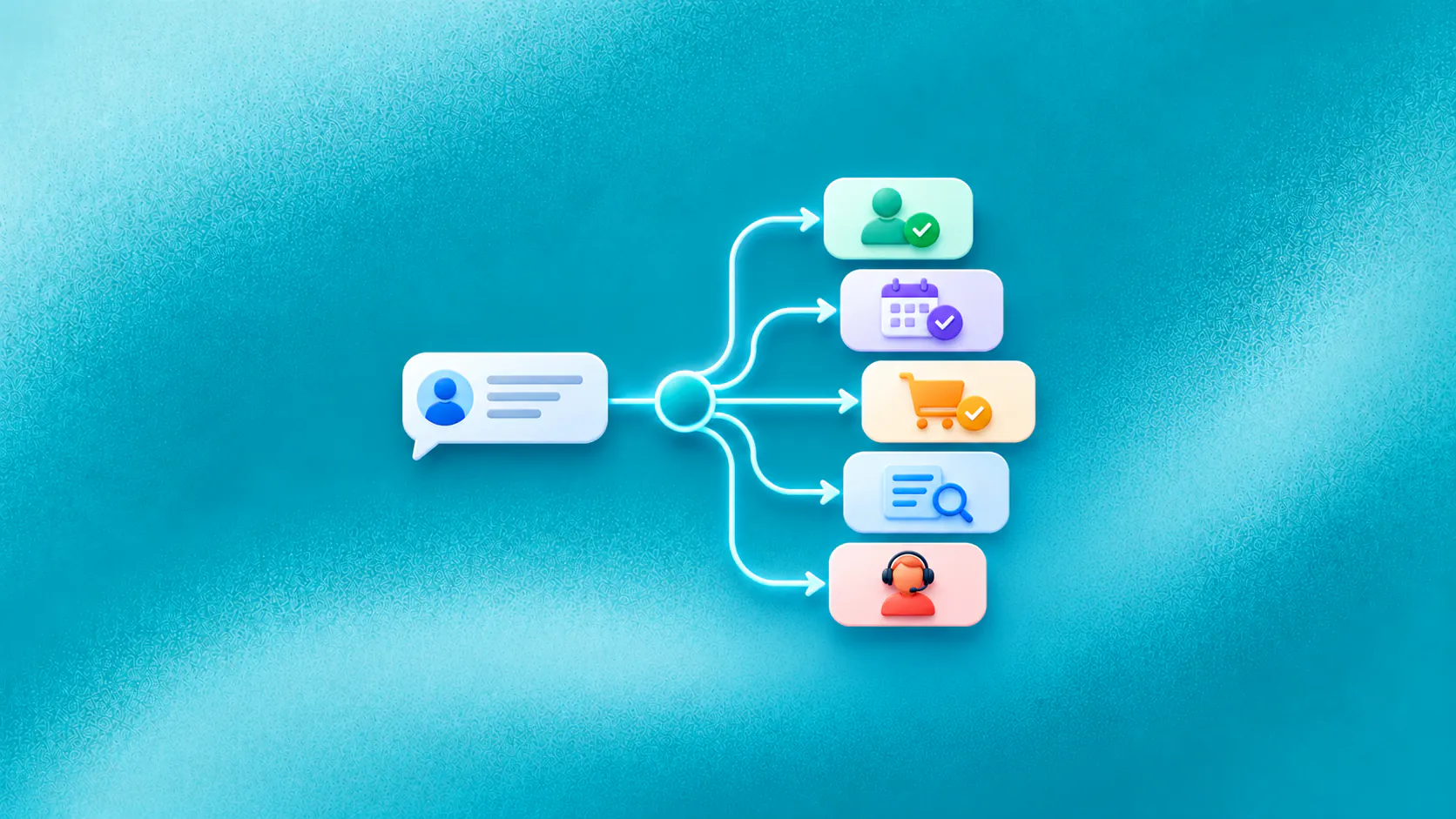
Useful chatbot examples show a customer reaching an observable next step: a qualified enquiry, suitable option, confirmed booking, completed checkout, current status answer or well-prepared handoff. The best use case is frequent, bounded and connected to a result the business can verify.
Key takeaways
- Choose chatbot examples by the customer outcome they complete, not by how impressive the conversation sounds.
- Revenue use cases include enquiry capture, qualification, discovery, booking, checkout and permitted recovery.
- Service use cases include approved answers, status, request intake, task creation and contextual handoff.
- Start with a frequent bounded journey whose result can be confirmed in the responsible system.
Which chatbot examples are useful for a business?
Useful chatbot examples end with something the customer and business can observe: a qualified enquiry, confirmed booking, suitable product, completed request or conversation owned by the right person.
The weak examples are familiar. A chatbot greets a visitor, repeats a help-page paragraph and asks whether anything else is needed. The exchange looks complete, but the visitor may still be stuck. Strong chatbot examples make the next step and its owner clear.
This guide focuses on AI chatbot use cases that move customer work forward. Each situation is illustrative, not a customer story or performance claim.
Related must-read articles
- What is an AI chatbot?
- AI chatbot for customer support
- AI chatbot for lead generation and qualification
1. Capture an enquiry while interest is current
The most useful chatbot examples begin at the moment a prospective customer asks for help, not after the enquiry has already gone cold.
A prospect asks after hours whether a service is available in their area. Without an immediate route, the message waits in a queue.
In this chatbot example, the assistant answers from approved service information, asks for the necessary location detail and records the enquiry. If availability is clear, it offers the next step. If not, it assigns the conversation for review instead of guessing.
The value is practical: the enquiry becomes usable work. The team receives the customer’s question, relevant details and current status.
2. Qualify a lead without turning chat into a form
Qualification is one of the strongest chatbot examples because it removes repeated early questions while helping the prospect.
Imagine a software enquiry asking about support for several teams. The chatbot explains the relevant capability, asks what the teams need, which channels they use and when they plan to start. It applies visible routing rules and offers a suitable demo path.
The use case succeeds when the prospect reaches a relevant next step and sales receives the stated need, answers and routing reason. The lead qualification page explains the wider workflow.
3. Help a customer choose
Product-discovery chatbot examples work when they narrow a real choice without pretending every customer needs the same option.
A catalogue or service menu often assumes the customer already knows the right terminology. In a discovery chatbot example, an online shopper explains their need and constraints. The assistant asks a clarifying question, presents suitable options from current information and explains the differences.
It does not invent stock or make unsupported recommendations. The next step may be a product page, quote request or specialist conversation.
4. Turn a ready enquiry into a confirmed booking
Booking chatbot examples should end with a confirmed slot or a clearly owned request, not an unverified promise.
Appointment and demo requests often appear inside a longer conversation. The customer asks a final question, decides to proceed and expects to book without starting again.
This chatbot example collects the required details, retrieves available times and asks for confirmation. The scheduling system creates the appointment and returns the result. If it fails, the assistant preserves the request and creates an owned follow-up rather than claiming success.
The appointment-booking use case covers availability, confirmation and exceptions.
5. Remove a question that blocks checkout
Checkout chatbot examples are valuable when one unanswered question is preventing an otherwise ready customer from completing the purchase.
An online shopper reaches checkout but is unsure about delivery, compatibility or returns. The information may exist, but leaving to search creates friction.
In this chatbot example, the assistant answers from approved commerce information and returns the shopper to the correct step. If the product detail is unavailable, it offers a safe alternative or staff help.
The ecommerce AI agent guide provides more context on discovery, checkout and order help.
6. Recover an incomplete journey with consent
A person may abandon a cart, booking or application because a question remains unanswered. A permitted follow-up can reopen the conversation while the context is useful.
Consider an illustrative cart-recovery chatbot example. The customer receives an approved reminder through a consented channel. When they reply with a delivery question, the chatbot answers and links back to checkout. It also honours opt-out and suppression rules.
ZINQ does not manage paid advertising. This journey begins with a first-party contact and permitted communication. Read the cart-recovery workflow for more detail.
7. Answer a status question
Status chatbot examples depend on current connected information; a polished answer based on stale data is still a poor customer outcome.
Status questions create repeated work because the customer wants a current fact. The chatbot must retrieve it from the responsible system and apply any required identity check.
In this chatbot example, a customer asks whether an order has shipped. The assistant verifies the required information, retrieves the status and explains the next event. If the system returns no result, it creates the appropriate request rather than displaying an assumption.
8. Collect a return or service request
Service-intake chatbot examples should collect the facts needed to begin work while leaving policy exceptions with the responsible team.
Customers often contact support without the details staff need. A chatbot can collect the request type, identifier, reason and permitted evidence before creating a ticket or task.
The assistant should explain what happens next. It must not promise a refund or remedy that requires approval. These chatbot examples reduce the first round of clarification while keeping policy decisions with the responsible team.
The workflow platform and tickets and tasks platform show how conversation details can become owned work.
9. Support onboarding and first use
After purchase, customers ask where to begin or how to complete a basic setup. A chatbot can provide approved instructions and respond to follow-up questions.
A good onboarding chatbot example recognises when the customer has an account-specific problem. It collects the context and sends the case to support instead of repeating general instructions that already failed.
10. Re-engage an existing customer appropriately
A business may have first-party contacts who consented to service updates, renewal notices or relevant promotions. A chatbot can support the replies.
For instance, a customer replies to a renewal reminder asking what changed. The assistant explains approved information, records the preference and provides the correct renewal or staff path. These chatbot examples continue a permitted relationship; they do not predict who will buy.
11. Prepare the conversation for a person
Human-handoff chatbot examples should show continuity: the customer should not need to repeat information the business has already collected.
Human involvement is the final use case because routine work should not require a person at every step.
A person steps in when the customer requests one, identity remains uncertain, a system fails or the issue needs judgment, negotiation or empathy. The chatbot passes the goal, collected details, answers shown, actions attempted and escalation reason.
The human handoff platform and omnichannel inbox explain how ownership can move without asking the customer to start again.
How should you choose among these practical chatbot examples?
| Question | What a strong first use case looks like |
|---|---|
| Does it happen often? | The team has representative anonymised conversations |
| Is the outcome clear? | A booking, record, answer, task or route can be verified |
| Is the knowledge ready? | The approved source has an owner |
| Are actions bounded? | Permissions and confirmation rules are explicit |
| Are exceptions understood? | A person or recovery path owns each failure |
| Can the team review it? | Staff can inspect and correct the cause |
Start with one chatbot example that meets all six conditions. A narrow useful journey builds stronger evidence than a broad launch with no definition of completion.
What should these use cases measure?
eeasure the customer task, not message count. Depending on the chatbot examples selected, useful measures include qualified next steps, confirmed bookings, completed checkouts, resolved status questions, correctly created tasks, failed actions and repeat contacts.
Read conversations beside the dashboard. A result that looks successful in aggregate may contain a wrong answer or false confirmation. The final record in the calendar, CRe, commerce platform or support system provides stronger evidence.
Additional resources
- Customer conversation channels
- ZINQ AI agents
- Customer service automation examples
- Workflow automation guide
- Human-in-the-loop AI agents
Frequently asked questions
What are common AI chatbot examples?
Common examples include qualifying an enquiry, helping a customer choose, booking an appointment, answering checkout questions, retrieving order status, collecting a service request and handing an exception to staff.
Which chatbot use case should a business start with?
Start with a frequent request that has approved information, a clear completion rule, a responsible owner and a manageable exception path.
Can an AI chatbot help sales?
It can help an existing enquiry move towards qualification, discovery, booking or checkout and support permitted follow-up to first-party contacts. It does not guarantee revenue or manage paid advertising.
Does every conversation need human handoff?
No. Routine journeys should finish without manual involvement when the required knowledge and workflow are available. A person steps in for exceptions, judgment, authority or a direct request.
Conclusion
Select a chatbot use case by asking what the customer needs to finish, what the business can verify and where responsibility changes.
READY TO SEE ZINQ IN ACTION?
From first enquiry to conversion, follow-up and support, ZINQ helps automate the next step while keeping your team in control.
Book a DemoAdditional resources
-
What Is an AI Chatbot?
An AI chatbot is software that understands everyday language and responds through a customer conversation. For a business, it can answer approved questions, collect details, qualify an enquiry, complete a connected action and pass an exception to the right person.
The ZINQ team · October 23, 2026 · AI Chatbots -
AI Chatbot Customer Service: Use Cases and Best Practices
A customer service chatbot handles bounded support work such as approved questions, status checks and request intake, then gives staff the context needed for exceptions. Its value comes from verified resolution and clearer ownership, not fewer human conversations alone.
The ZINQ team · October 22, 2026 · Customer Support & CX -
AI Lead Generation Chatbot: Capture and Qualify Enquiries
A lead generation chatbot engages an incoming enquiry, answers approved questions, collects the details that affect fit and moves the prospect to booking, follow-up or a suitable resource. It supports demand already reaching the business rather than running paid advertising.
The ZINQ team · October 22, 2026 · Sales & Conversion