Conversational AI Use Cases
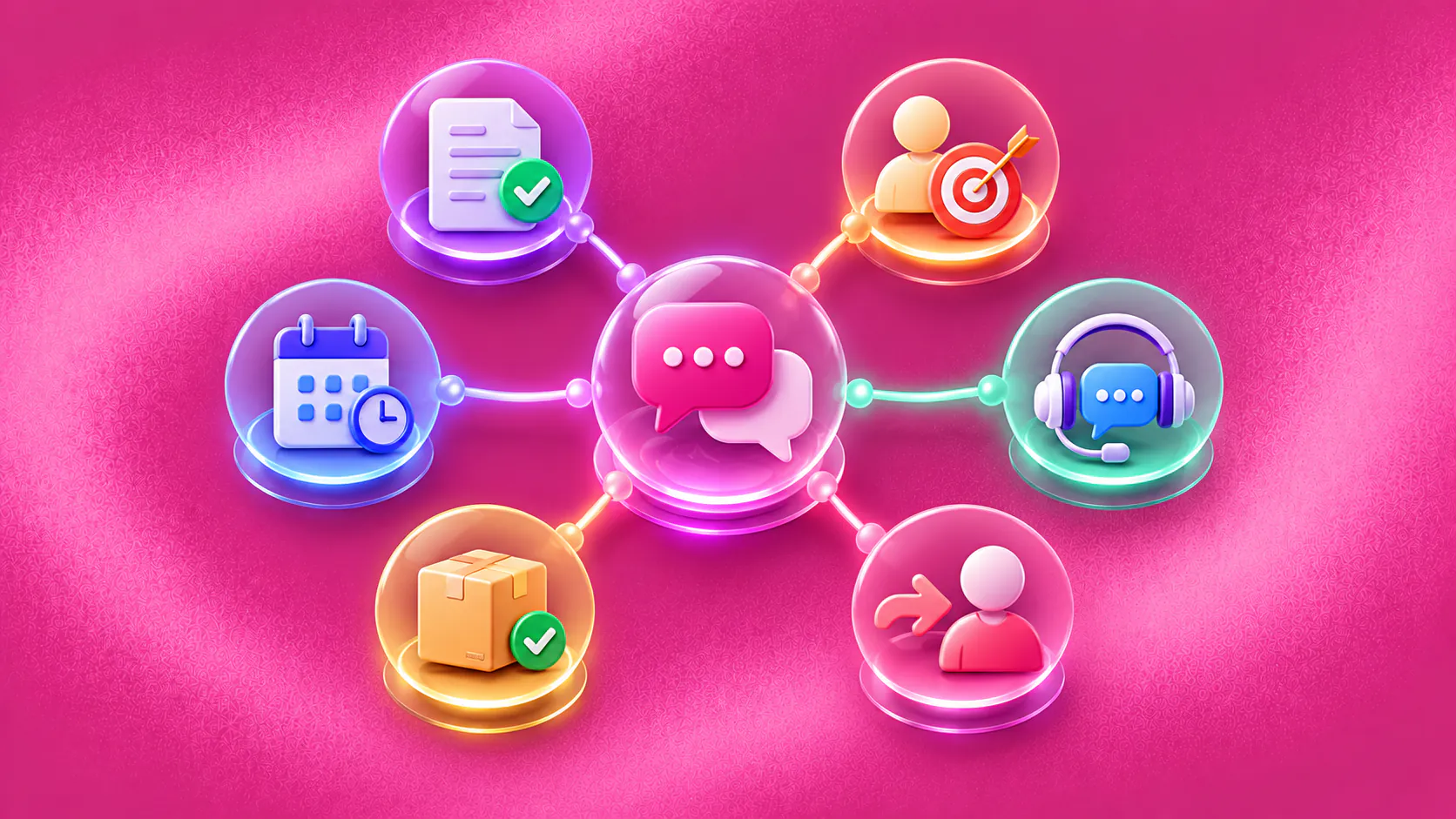
Conversational AI use cases work best when a customer message starts a defined business process. Common workflows include support triage, lead qualification, appointment booking, order-status updates, reminders, feedback collection and contextual human handoff.
Key takeaways
- The strongest conversational AI use cases begin with a recognisable customer request and end with evidence of a completed next step.
- Knowledge, customer data and workflow actions should have separate permissions and failure handling.
- A reply, acknowledgement or tool request is not the same as a resolved support case, qualified lead or confirmed booking.
- Choose a first use case with frequent demand, reliable source information, limited risk and a clear human owner for exceptions.
Key terms
- Use case
- A defined customer situation in which conversational AI supports a specific task or outcome.
- Workflow state
- The current step and status of a business process, such as requested, awaiting information, confirmed or handed off.
- Completion evidence
- A returned status or record showing that the intended business step actually happened.
- Exception path
- The designed response when information is missing, a tool fails or a person must make the decision.
What makes a conversational AI use case practical?
Practical conversational AI use cases connect a customer message to a defined next step. “Use AI for support” is too broad. “Ask for the order number, check the order status and route an exception with context” is a workflow a team can design, test and measure.
Each use case should answer five questions:
- What customer message starts the workflow?
- Which information must the system collect or retrieve?
- What is the system allowed to answer or do?
- Which conditions require a person?
- What record proves that the next step is complete?
This structure keeps the conversation tied to work. It also prevents a polished reply from being counted as a result when the booking, return, case or follow-up remains unfinished.
AWS lists chatbots and virtual assistants across customer and employee tasks. The useful business decision is narrower: select the request with a reliable source, a controlled action and an owner for exceptions.
For the technology behind these flows, read how conversational AI works. For the broader definition, start with what conversational AI is.
Related must-read articles
- What is conversational AI?
- Conversational AI for lead qualification
- Conversational AI for appointment booking
Conversational AI use cases at a glance
| Use case | Customer intent | Useful completion evidence |
|---|---|---|
| Knowledge answers | Get accurate information | Approved answer delivered or source gap recorded |
| Support triage | Get help with a problem | Case classified, required details captured and owner assigned |
| Lead qualification | Find out whether the offer fits | Qualification fields and next owner recorded |
| Appointment booking | Reserve or change a slot | Booking system returns a confirmed status |
| Product discovery | Find a suitable product | Relevant options shown with verified attributes |
| Order status | Find where an order is | Current status returned from an authorised source |
| Returns intake | Start a return or exchange | Eligible request recorded or exception assigned |
| Reminders | Act on an agreed next step | Customer response or workflow state recorded |
| Feedback collection | Share an experience | Structured feedback attached to the completed interaction |
| Re-engagement | Resume an unfinished journey | Customer intent and next step updated |
| Cross-channel continuity | Continue on another channel | Conversation owner and available context preserved |
| Human handoff | Reach the right person | Receiving person or queue accepts ownership |
The following conversational AI use cases explain the input, action and boundary behind each row.
1. Answer questions from approved knowledge
The customer asks about a product, service, policy, price or process. The system identifies the subject, retrieves relevant material from an approved knowledge base and answers within that source.
The boundary is simple. If the source is absent, stale or contradictory, the system should not improvise a company policy. It should state the limitation and route the question to the source owner or service team.
Measure answer usefulness through source coverage, customer corrections, repeated contacts and unresolved questions. Do not treat every delivered message as a successful answer.
The article on how AI agents use business knowledge explains source preparation and review.
2. Triage customer-support requests
Support triage turns an unstructured message into a useful case. The system identifies the issue, asks for the minimum required details, checks approved troubleshooting information and assigns an owner when the request needs human work.
For example, “I can’t access my account” may require the account identifier, error message, device and last successful login. The assistant can provide approved recovery steps. It should hand off when identity is uncertain, the recovery path fails or the request touches permissions outside its scope.
Useful evidence includes the correct case type, captured details, assigned queue and final resolution. The customer-service automation examples guide covers exception handling in more depth. ZINQ’s customer support use-case page describes the supported commercial workflow.
3. Qualify an inbound lead
Lead qualification starts when a prospect asks about a service, price, demo or purchase. The system answers approved questions and collects the facts that determine the next sales step.
The questions should follow the team’s actual qualification criteria. They may cover the customer’s need, timing, location, team size or current process. The system should record unknown answers rather than scoring them as negative.
Completion means the lead record contains the required evidence and has a next owner. It does not mean the system has predicted a sale. See the AI lead qualification agent guide and ZINQ’s lead qualification workflow.
4. Book, reschedule or cancel an appointment
Appointment conversations combine service information, availability, customer details and calendar state. The system may ask what the customer needs, which location they prefer and when they are available.
The critical distinction is between a request and a confirmed booking. Conversational AI should present only returned availability and confirm the slot only after the booking system reports success. A timeout, conflict or unavailable calendar needs a recovery path.
A hypothetical clinic enquiry might begin with “Can I come Saturday?” The system identifies the service, collects permitted contact details, checks availability and offers a slot. A clinical question moves to staff. A successful calendar response changes the status to confirmed.
The AI booking agent guide and ZINQ’s appointment-booking page explain this workflow further.
5. Help a shopper discover a product
Product discovery uses a short conversation to narrow a catalogue. The system asks about the customer’s intended use, constraints and preferences, then retrieves products whose verified attributes match those needs.
The assistant should explain why an option fits using current catalogue information. It should not invent stock, compatibility, delivery times or product benefits. When the request needs specialist advice, it should send the stated requirements to a person.
Measure whether customers reach a useful product set, correct misunderstandings or ask for human help. Revenue change requires separate attribution and should not be assumed from conversation volume.
6. Provide order or request status
Status conversations are useful when the system can query a current source. The customer provides an order or request identifier, completes any required verification and receives the latest permitted status.
The assistant should distinguish “label created,” “shipped,” “out for delivery” and “delivered.” If the source returns no match, several shipments or a delivered-but-missing report, the workflow should create the correct exception rather than repeat the last status.
This is one of the conversational AI use cases where connected data matters more than language generation. The message is easy. The difficult part is identity, current status and recovery ownership.
7. Collect a return or exchange request
Returns intake starts with the order, item, reason and requested outcome. The system checks the approved return policy and records the request. It may provide the next supported step when eligibility is clear.
Exceptions include expired windows, damaged goods, missing order data, partial returns and items governed by different policies. These cases need a clear human queue.
Completion evidence is a return record, exchange request or assigned exception. An explanation of the policy is useful, but it is not a completed return.
8. Send reminders and process replies
Reminder workflows continue an agreed customer journey. Examples include an upcoming appointment, a missing document, an expiring quote or a promised follow-up.
The message should use the correct customer, event and timing. More importantly, the system must understand the reply. “I can’t make it,” “already sent,” and “call me tomorrow” require different state changes.
The workflow should stop when the event is cancelled, completed or otherwise no longer eligible. ZINQ’s follow-up and aftercare page describes the supported use case.
9. Collect feedback after a completed interaction
Feedback works best after the business confirms that the underlying interaction is complete. The conversation can ask a short question, capture structured feedback and invite a comment when useful.
Negative feedback should create an owned service-recovery path. Sensitive or clinical feedback may need stricter review and routing. The system should not pressure the customer or claim that a score proves the wider experience improved.
Completion is the recorded response and any assigned follow-up. The outcome is not the act of sending the survey.
10. Re-engage an unfinished customer journey
Re-engagement resumes a conversation where the customer showed intent but did not complete the next step. The system needs the last confirmed state, the permitted contact rule and a reason to continue.
A useful message refers to the customer’s actual next step. It might ask whether the person still wants the appointment or needs help choosing between two suitable options. A generic “checking in” message creates noise and reveals little about intent.
The workflow should record whether the customer wants to continue, defer or stop. Retention or conversion impact must be measured separately.
11. Preserve context across channels
A customer may begin on web chat, continue through WhatsApp and receive an email confirmation. Cross-channel conversational AI needs a shared workflow state and careful identity handling.
The system should not merge identities solely because two messages look similar. It should preserve channel-specific consent, timing and content rules. When identity confidence is low, ask the customer to verify through an approved process.
The omnichannel AI agent guide explains ownership and identity tradeoffs. ZINQ’s Omnichannel Inbox provides a shared workspace for supported connected channels.
12. Hand a conversation to the right person
Human handoff is one of the most important conversational AI use cases because every automated scope has a boundary. The system may need to transfer a complaint, policy exception, high-value enquiry, failed action or sensitive request.
The handoff packet should contain the customer’s goal, collected details, answers already given, actions attempted and reason for transfer. The receiving person or queue must accept ownership. Otherwise, the software has moved a message without moving the work.
Read the human handover guide for the operating model. ZINQ’s Human Handoff describes how the product supports the transition.
How do you choose the first use case?
Score candidate conversational AI use cases against practical conditions rather than excitement.
| Criterion | Strong starting point | Weak starting point |
|---|---|---|
| Frequency | Repeated every day or week | Rare, unpredictable request |
| Source quality | Approved, current owner and review date | Scattered or disputed information |
| Workflow clarity | Defined states and completion evidence | Outcome depends on informal judgment |
| Risk | Easy to stop or correct | Consequential action with weak controls |
| Integration | Supported lookup or action | Critical system is unavailable |
| Human ownership | Named queue and service expectation | No one owns exceptions |
Start with one workflow and one or two connected channels. Build an evaluation set from real, anonymised requests. Test missing information, ambiguous language, policy exceptions and tool failures before launch.
NIST’s AI Risk Management Framework offers a useful pattern: govern, map, measure and manage the risk throughout the system lifecycle. The conversational AI implementation guide translates that discipline into a practical rollout.
How should conversational AI use cases be measured?
Choose a measure that matches the workflow’s promised outcome. For booking, use confirmed appointments and booking errors. For support, distinguish resolved requests from acknowledged or routed requests. For qualification, review evidence quality and routing accuracy rather than a model-generated score alone.
Track these supporting measures as well:
- Unanswered or unsupported requests;
- Customer corrections;
- Tool failures and recovery time;
- Avoidable and necessary handoffs;
- Repeated contact for the same unresolved task;
- Abandonment by workflow state;
- Complaints or requests to stop automation.
The ZINQ platform brings knowledge, workflows, channels and human work into one product structure. Specific capabilities still need to be checked against the use case and connected systems.
If you want to evaluate one of these workflows on your own customer journey, book a demo and bring the request your team handles most often.
Frequently asked questions
What are the most common conversational AI use cases?
Common uses include customer-support triage, knowledge answers, lead qualification, booking, order-status lookup, returns intake, reminders, feedback collection, re-engagement and human handoff.
Which use case should a business start with?
Start with a frequent request that has a clear source of truth, a defined next step, limited consequences if automation stops and an available team for exceptions.
How do you measure a conversational AI use case?
Measure the actual workflow outcome, such as a confirmed booking, correctly routed lead or resolved case. Also track errors, repeated contacts, handoffs, abandonment and customer corrections.
Can the same conversational AI workflow run across several channels?
It can when the platform supports those channels and the workflow accounts for channel-specific identity, timing, consent and message-format rules.
When should conversational AI hand off to a person?
Handoff is appropriate for sensitive requests, policy exceptions, complaints, uncertain identity, unavailable source information, failed actions and decisions that require human judgment.
Conclusion
Conversational AI use cases become valuable when the business defines what completion means. Select one workflow, separate answers from actions, build an exception path and measure the customer outcome before adding more channels or more complex automation.
READY TO SEE ZINQ IN ACTION?
From first enquiry to conversion, follow-up and support, ZINQ helps automate the next step while keeping your team in control.
Book a DemoAdditional resources
-
Five business workflows to automate with an AI agent
Useful first AI workflows include enquiry qualification, appointment requests, support triage, follow-up tasks and feedback collection. Each should connect a customer request to a clear next step your team can see.
Pavan · June 22, 2026 · Workflows & Automation -
Customer service automation examples with exception handling
Useful customer service automation examples include the exception path, not only the successful reply. For every automated answer or action, define what happens when information is missing, identity fails, a system is unavailable, policy requires judgment or the customer asks for a person.
The ZINQ team · September 21, 2026 · Workflows & Automation -
Omnichannel AI Agent: Context, Ownership and Handoff
An omnichannel AI agent applies shared knowledge, workflow rules and ownership across connected customer channels while respecting the identity, consent and technical limits of each channel.
The ZINQ team · October 7, 2026 · Omnichannel