Website AI Agent: Turn Page Intent Into the Right Next Step
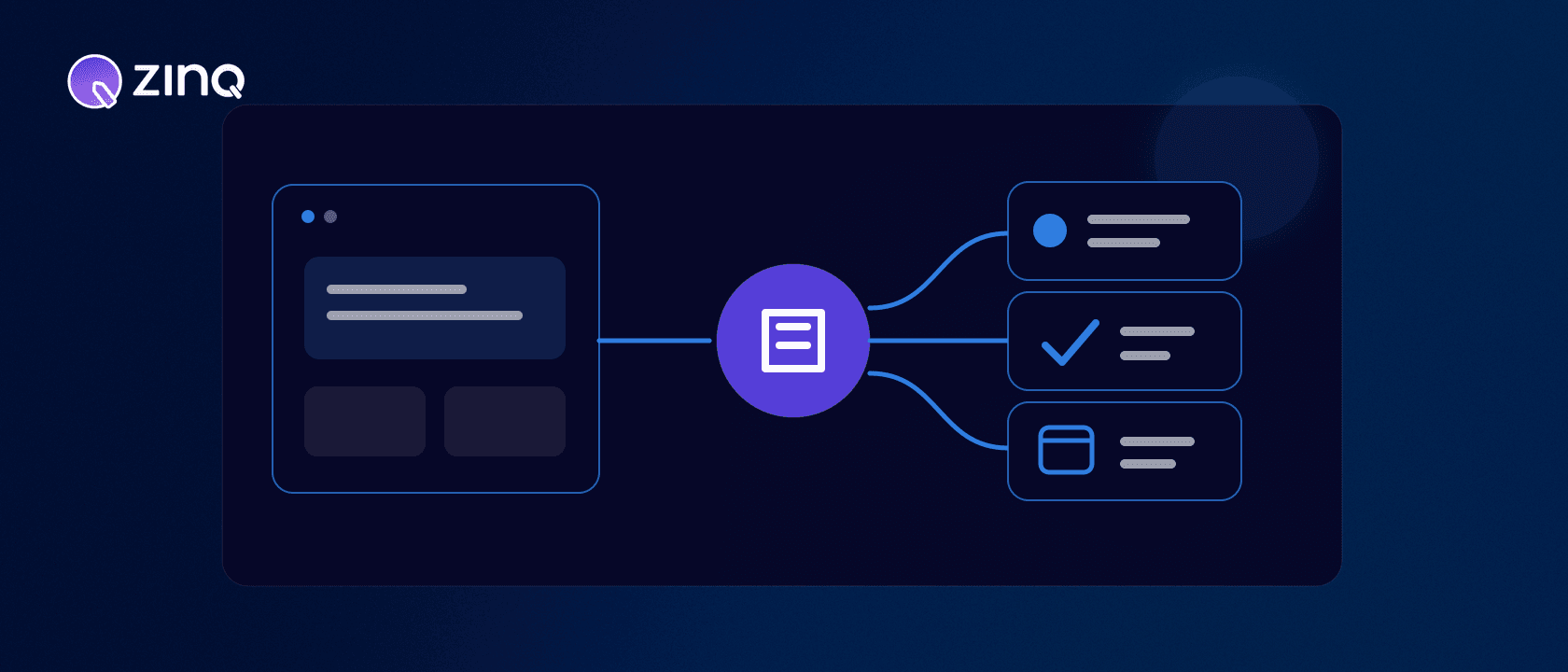
A website AI agent uses the visitor’s page context and conversation to answer approved questions, collect only the details needed, trigger supported actions and route the visitor to the right human or workflow.
Key takeaways
- Page context should change the first useful response and available next steps.
- Anonymous visitors need a low-friction path before the agent asks for identity details.
- The agent should collect the minimum information required for the chosen workflow.
- Success is a verified answer or next action, not the number of chats started.
What should a website AI agent understand first?
The page already tells you something about the visitor’s likely task. Someone on a pricing page may be comparing fit. Someone reading an integration page may need technical confirmation. A visitor on an order-help page is probably trying to resolve an existing issue.
A useful website AI agent starts from that context without pretending it knows more than it does. It offers a relevant first step, then uses the conversation to confirm intent.
Match the conversation to page intent
One universal greeting wastes the strongest signal the website provides. Define a small set of page contexts instead:
| Page context | Useful first offer | Likely next action |
|---|---|---|
| Product or service | Clarify fit and answer approved questions | Recommend a relevant route |
| Pricing | Explain plan or scope information | Qualify or book a conversation |
| Integration | Confirm supported connection details | Route a technical question |
| Booking | Help choose an available next step | Confirm through the source system |
| Support | Identify the issue and available context | Resolve or create an owned handoff |
The page is a starting hypothesis, not a verdict. If a pricing-page visitor asks for support, the agent should follow the expressed need.
Respect the anonymous stage
Most website visitors begin without a known customer record. That is normal. Let the agent help before it asks for an email address or phone number.
A sensible sequence is: understand the task, answer what can be answered, explain why a detail is needed, then collect the minimum required for the next action. A visitor asking whether a product supports a feature should not complete a lead form before receiving the approved answer.
Identity also needs careful handling. Do not merge an anonymous session into an existing customer profile merely because two fields look similar. Associate records only when the supported configuration provides enough confidence.
A pricing-page workflow
Imagine a hypothetical visitor comparing a service on the pricing page.
- The agent offers help with plan fit or implementation questions.
- The visitor describes their team, channels and intended workflow.
- The agent answers from approved information and flags anything it cannot verify.
- With permission, it collects the few details needed to continue the conversation.
- If the visitor is ready, a connected workflow returns available meeting times.
- The calendar confirms the selected time before the agent states that the meeting is booked.
- A specialist receives the visitor’s stated goal and questions, rather than an empty calendar event.
This is more useful than optimizing only for form completion. The visitor gets an answer and the team receives context.
Design answers, actions and handoff together
Every supported intent needs one of three endings: an answer, an action or a handoff.
An answer should come from an approved source. An action should be confirmed by the system that owns it. A handoff should name an owner and include the visitor’s goal, relevant details, what the agent tried and why a person is needed.
ZINQ Web Chat can connect website conversations with configured knowledge, workflows and human handoff. The exact path depends on what your business enables; access to the website does not grant unlimited action authority.
Keep the interface usable
The agent entry point should not cover essential content, trap keyboard focus or make closing the conversation difficult. Keyboard users need a predictable way to open, navigate and dismiss the interface. W3C’s keyboard interface guidance explains the underlying requirement.
Also consider timing. An immediate full-screen prompt may interrupt someone who has not had time to read. Use page intent and observed behavior to make the invitation useful, not unavoidable.
Measure the next state
Chat starts are an activity measure. They do not show whether the visitor was helped. Match measurement to the workflow: verified answer, qualified enquiry, confirmed booking, resolved request or accepted human handoff.
Track abandonment and tool errors alongside completion. Segment by page context so a high-intent booking page is not judged against an educational article. Then review conversations where the visitor repeated a question, corrected the agent or left after being asked for details.
Build a page-intent map before writing prompts
Inventory the pages where the agent will appear. For each page or page group, record the likely visitor task, approved knowledge, permitted action, required data and human destination. This produces a page-intent map that the product, marketing and operations teams can review together.
Do not create a unique agent for every URL. Group pages that share an operating purpose. Product pages may use one pattern, pricing and comparison pages another, and logged-in support pages a third. A campaign landing page can carry its campaign context without changing the underlying qualification rules.
The map should also identify pages where the agent should stay quiet. Legal pages, a short confirmation screen or a sensitive form may not benefit from an invitation. Availability is not the same as relevance.
Design the invitation as part of the journey
The entry point sets an expectation. “Need help choosing?” promises a different conversation from “Track an order.” Use language that matches the task the agent can actually support.
Choose triggers carefully. Page load is simple but often premature. Time on page can signal attention, but a long delay may also mean the tab is inactive. Scroll depth can help on explanatory pages. A click on a clear help control is the strongest expression of intent because the visitor chose it.
Test one trigger change at a time and protect the reading experience. An increase in opened chats is not a win if page completion, form submission or accessibility deteriorates. Keep the close control visible, remember dismissal appropriately and avoid repeatedly reopening the prompt during one visit.
Decide what context may follow the visitor
Useful context can include the current URL, referral campaign, selected product, stated intent and information the visitor has voluntarily provided. Each field needs a purpose and a retention rule. Do not collect browser or profile data merely because it can be captured.
When the visitor moves to a booking form or human conversation, pass only the context needed for that next step. A salesperson may need company, use case and questions. They do not need a complete clickstream to understand the enquiry.
If the visitor returns, be careful with continuity. A remembered session can reduce repetition, but stale intent can mislead the agent. Confirm the current task rather than opening with an assumption based on an old page view.
Test answers in the page where they will appear
An answer that reads well in a test console may fail on the real page. The visitor can see surrounding claims, pricing and calls to action. Test whether the agent contradicts that context, repeats it without value or blocks an important control.
Create cases for each page group:
- a question the page answers directly;
- a question that needs another approved source;
- a request for an action;
- an unsupported or sensitive request;
- an ambiguous identity;
- a failed integration;
- a human request; and
- a mobile keyboard-only journey.
Check the entire outcome, not just the response text. A correct explanation followed by a broken booking is still a failed workflow. A good handoff includes the visitor’s goal, the relevant page, details already collected and the reason the agent stopped.
Roll out by intent, not by traffic percentage
A percentage rollout limits exposure but does not control complexity. Start with a small set of intents on a defined group of pages. Let unsupported requests route safely instead of pretending the first version can handle the whole site.
Review answer gaps, action failures, abandonment after data requests and handoff quality. Fix missing sources and workflow ownership before expanding. Once the current intents produce reliable outcomes, add another page group or action with its own tests and measurement contract.
Name an owner for each page-intent group. Marketing may own the page context, operations the workflow and product the interface, but someone must decide when the combined experience is ready. A shared release checklist prevents a correct agent response from shipping beside stale page copy or an unmonitored destination queue.
What to evaluate before launch
Test the website AI agent on real page contexts and uncomfortable paths. What happens when the source pages disagree? Can the visitor change intent? Does a failed booking become an owned task? Can someone reach a person without fighting the interface?
The strongest website agent is not the one that opens the most chats. It is the one that helps a visitor move from the page they are on to the next step they actually need.
Frequently asked questions
What is a website AI agent?
It is an AI agent available on a website that uses approved business knowledge, the visitor’s page context and connected workflows to help complete a relevant next step.
How is it different from a website chatbot?
A conventional website chatbot often follows a fixed menu or answers FAQs. A website AI agent can interpret intent, preserve context and use permitted tools to qualify, book, route or follow up.
Should it ask every visitor for contact details?
No. It should first establish the visitor’s task and request only the information needed for that task. Forcing a form before offering value creates avoidable friction.
Where should a website AI agent appear?
Placement depends on intent. High-consideration product, pricing, booking and support pages may justify a contextual prompt, while low-intent pages may need a quieter entry point.
Conclusion
A website AI agent works best when the page supplies context and the workflow supplies a clear finish. Design the answer, action, accessibility and handoff together.
READY TO SEE ZINQ IN ACTION?
From first enquiry to conversion, follow-up and support, ZINQ helps automate the next step while keeping your team in control.
Book a DemoAdditional resources
-
How to qualify website enquiries with an AI agent
An AI qualification flow should collect the minimum information needed to route an enquiry and offer a relevant next step. Use explicit business criteria, keep unknown answers visible and let visitors ask questions before demanding a full profile.
Pavan · June 30, 2026 · Sales & Conversion -
Choosing a useful web chat placement with ZINQ
A web chat entry point should help visitors with the task on the page while leaving the page itself usable. For ZINQ, confirm the supported embed and presentation options for your setup before choosing a placement.
Pavan · June 9, 2026 · Live Chat, Messaging -
AI lead qualification agent: qualify enquiries before sales follows up
An AI lead qualification agent asks approved qualifying questions, records fit and intent evidence, identifies missing answers, routes ready leads and hands uncertain or high-value opportunities to sales with context.
The ZINQ team · September 29, 2026 · Sales & Conversion