CRM-Connected AI Agent: A Safe Read and Write Plan
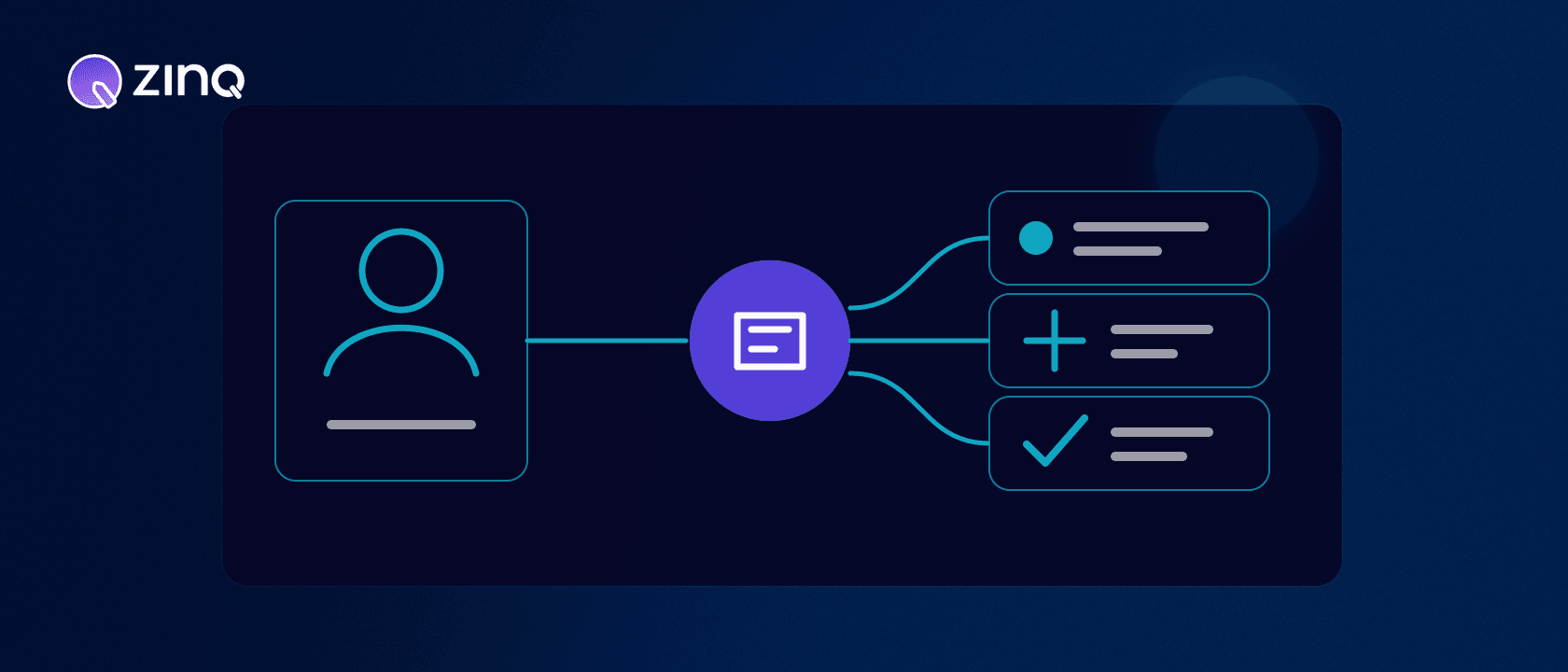
A CRM-connected AI agent uses permitted customer and pipeline data to answer with context, create or update approved records and hand work to the right owner, with the CRM remaining the source of truth for confirmed changes.
Key takeaways
- Define separate read, write and decision permissions for every CRM object and field.
- Keep one source of truth for each value instead of letting systems overwrite one another.
- Plan for duplicate records, retries and partial failures before live traffic arrives.
- A successful conversation is not a successful CRM update until the CRM confirms it.
What does a CRM connection change?
Without a CRM connection, an agent may answer a question and collect details. With the right connection, it can also use existing context, create an approved record, update selected fields, assign work or trigger a follow-up. That makes the agent operationally useful—and gives it more ways to make a costly mistake.
Treat the integration as a data and authority contract, not a switch marked “connect.”
Separate read, write and decide
For each object and field, specify three permissions.
| Permission | Example | Control question |
|---|---|---|
| Read | View account tier or open request | Does this workflow need the value? |
| Write | Add service interest or conversation summary | Which system owns the field? |
| Decide | Change a lifecycle stage or assign an owner | May the agent decide, or only recommend? |
An agent might read a customer’s current plan, write a conversation summary and recommend a lead stage, while a person approves the stage change. Permissions do not have to rise together.
Choose a source of truth for every value
Two systems should not silently overwrite the same field. Decide whether the CRM, the conversation platform or another system owns each value.
Stable account data may belong in the CRM. The raw transcript may remain in the conversation system, with a concise summary and link written to the CRM. A booking status should come from the scheduling system that confirmed it.
Also define freshness. If an agent reads an exported copy that is hours old, it should not present the value as current inventory or availability.
Use the least access the workflow needs
An enquiry-routing workflow rarely needs permission to delete contacts, export the whole database or edit billing fields. Limit tokens and scopes to the required resources and actions. The OAuth 2.0 Security Best Current Practice recommends limiting tokens to the minimum privileges needed, while RFC 6749 defines how scopes express requested access.
Technical scopes are only one boundary. Business rules still need to say which fields the agent may change and under what conditions.
A qualified-enquiry workflow
Imagine a hypothetical B2B enquiry arriving through web chat.
- The agent answers approved product questions.
- It asks for company, use case and timeline because those fields are required for routing.
- It checks for a confidently matched contact or account.
- If no safe match exists, it creates the approved record using an idempotency key tied to the enquiry.
- It writes the collected fields and a concise summary, then requests assignment through the configured rule.
- The CRM confirms the record identifier and owner.
- Only then does the agent tell the visitor that a specialist has the enquiry and explain the next step.
If the write succeeds but assignment fails, the workflow is partially complete. It should create a recovery task rather than retrying the entire sequence and producing a duplicate.
Plan for duplicates, retries and partial failure
Reliable integrations answer these questions before launch:
- Which fields form a confident match?
- What happens when two records are plausible?
- Can a repeated request safely return the first result?
- Which steps may be retried independently?
- How is a partial write reversed or completed?
- Who owns records left in an exception state?
Idempotency means the same request can be repeated without creating the action twice. It matters because networks time out even after the CRM completed a write. A timeout is uncertainty, not proof of failure.
Create a field-level data contract
For every field the workflow touches, record its purpose, format, owner, allowed values, validation rule and retention expectation. Include whether the agent may read it, propose it, write it or never access it.
This work catches problems that a connector test misses. “Industry” may be free text in the conversation and a controlled list in the CRM. “Company size” may use different ranges. A country may require a code rather than the name the customer typed. Decide how values are normalized and what happens when the input does not fit.
Do not bury important meaning in a conversation summary. If routing depends on service interest or urgency, use approved structured fields. Keep the original customer wording available where useful, but distinguish it from the normalized value used by automation.
Separate customer facts from agent inferences
A customer saying “we need this soon” is a fact about their wording. Assigning “high urgency” is an interpretation based on a rule. Store those differently so a teammate can understand the basis for the decision.
The same applies to lead scores, sentiment and intent labels. Record the input and rule or model version where appropriate. Do not overwrite a customer-provided field with an inferred value. Inferences can help prioritize review, but they should not quietly become permanent facts.
When a consequential decision depends on an inference, add a human approval step or a more objective verification. The CRM should help the team act with context, not make uncertain classifications look certain.
Manage credentials through their full lifecycle
Connection setup is only the beginning. Document who authorizes access, where credentials are stored, how tokens are refreshed, what alerts on failure and how access is revoked when the workflow or owner changes.
Use separate production and test connections. Test data should not create live leads or trigger real customer follow-up. Limit administrative permissions and review scopes when the workflow expands. A new action may require a new permission, but it should not inherit every permission held by the integration owner.
Plan for revocation. If the CRM connection is disabled, the agent needs a safe degraded mode: answer from approved knowledge, explain that it cannot complete the account-specific action and create an owned recovery path where possible.
Reconcile what the two systems believe
Even well-designed events can be lost or delayed. Run a reconciliation process that compares workflow records with CRM outcomes. Look for actions marked confirmed without a CRM identifier, CRM records with no corresponding workflow, stale assignments and retries that produced duplicates.
Reconciliation frequency should match the consequence. A daily check may suit low-risk enrichment. A customer promise such as a confirmed appointment or assigned urgent request may need immediate verification and alerting.
Use reconciliation findings to improve the workflow. Repeated validation errors indicate a field-mapping problem. Repeated duplicates indicate a weak matching or idempotency rule. Do not normalize manual cleanup as an acceptable integration layer.
Test with production-shaped cases
Create a safe test set containing a new contact, known contact, two plausible matches, missing required field, invalid controlled value, revoked token, rate limit, timeout after a successful write and partial workflow completion.
For each case, define the expected CRM record, customer message, log entry and human task. Verify that retries do not multiply records or notifications. Then repeat the tests whenever fields, routing rules, credentials or connector versions change.
The last test should be access removal. Confirm that the workflow stops writing, avoids false success and gives the team a clear recovery signal.
Set a release owner for every mapping change. Renaming a field, changing a controlled list or altering an assignment rule can break an otherwise stable agent without changing the conversation design. Review CRM schema changes against active workflows, test them in the non-production connection and deploy with a way to identify which records used the new mapping.
Plan how corrected data flows back. If a person fixes a company name, contact match or lifecycle stage in the CRM, decide whether and when the conversation platform receives the correction. One-way writes can leave the agent using stale context on the next interaction. Bidirectional sync needs conflict rules; it should not become two systems repeatedly overwriting each other.
Preserve an audit trail and a human path
Record the customer request, fields read, proposed or completed change, system response and rule that determined the next step. Do not store sensitive data in logs merely because it is available.
High-impact or ambiguous changes should move to human handoff. The person needs the proposed action and the reason approval is required, not just a transcript.
ZINQ Connectors and Contacts & CRM support configured connections and customer context where available. Workflows define the next actions. The exact objects and operations depend on the connected system and approved configuration.
A pre-launch checklist
Before the first live conversation, document the objects, fields, source of truth, read/write/decision permissions, matching rule, idempotency key, retry policy, failure owner, log content and revocation process.
Then test with a duplicate contact, expired token, validation error, delayed response and partially successful workflow. The happy path proves the demo. The failure paths prove the operation.
Frequently asked questions
What is a CRM-connected AI agent?
It is an AI agent permitted to use selected CRM data and perform approved record actions as part of a customer workflow.
Should an AI agent have full CRM access?
Usually no. Access should be limited to the objects, fields and actions required for the workflow, with more sensitive or consequential changes reserved for people or approval steps.
How does the agent avoid duplicate contacts or leads?
The integration needs an explicit matching rule, an idempotency strategy for repeated requests and a review path when identity is uncertain.
What happens if the CRM update fails?
The agent should not claim success. It should preserve the attempted action, notify or route to the responsible owner and give the customer an accurate next step.
Conclusion
A CRM connection becomes useful when its authority and failure behavior are as clear as its happy path. Start with the smallest data contract that can complete one workflow reliably.
READY TO SEE ZINQ IN ACTION?
From first enquiry to conversion, follow-up and support, ZINQ helps automate the next step while keeping your team in control.
Book a DemoAdditional resources
-
Connecting an AI agent to your CRM and calendar
An AI-to-CRM or calendar integration needs supported operations, limited permissions, clear field mapping and a way to verify writes. Test duplicate requests and partial failures before letting a conversation change live records.
Pavan · June 30, 2026 · Integrations -
AI lead qualification agent: qualify enquiries before sales follows up
An AI lead qualification agent asks approved qualifying questions, records fit and intent evidence, identifies missing answers, routes ready leads and hands uncertain or high-value opportunities to sales with context.
The ZINQ team · September 29, 2026 · Sales & Conversion -
Customer operations AI agent: what it owns across support, sales and follow-up
A customer operations AI agent helps manage repeatable customer work across sales, support, booking, follow-up and handoff by connecting conversations to approved knowledge and business workflows.
The ZINQ team · September 30, 2026 · AI Agents & Conversational AI