How to Create an AI Chatbot: Implementation Guide
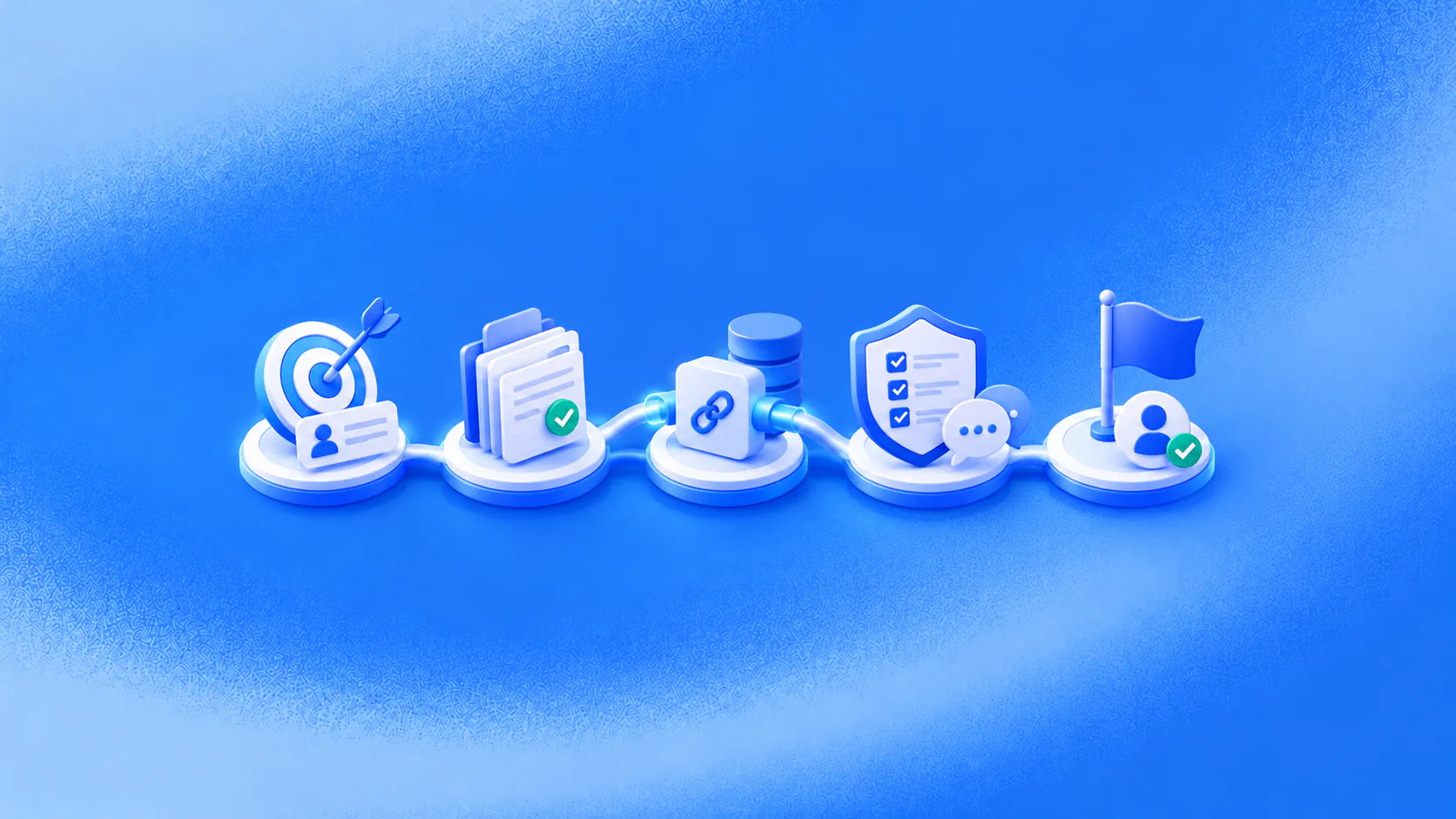
To create an AI chatbot for business, choose one frequent customer task, define its completion and exception rules, prepare approved knowledge, connect only the required systems, test real messages and launch with a named operating owner.
Key takeaways
- Start with one customer job whose successful outcome can be verified.
- Prepare approved answers, action limits and exception ownership before configuring the conversation.
- Test incomplete information, failed systems, unsupported requests and human handoff, not only the happy path.
- Launch narrowly, review real conversations and fix the cause of each repeated failure.
How should you create an AI chatbot?
To create an AI chatbot that helps a business, begin with one customer task and one verifiable outcome. Do not begin with “automate customer conversations.” That goal is too broad to test or own.
A useful starting statement is concrete: “When a website visitor asks for a consultation, collect the required details, answer approved service questions and create a confirmed booking or an assigned follow-up.” It tells the team what the customer needs, what the chatbot may do and what proves completion.
This guide explains how to create an AI chatbot as an operating workflow, not a demo that only answers prepared questions.
Related must-read articles
Step 1: Choose one customer problem
The first decision in how to create an AI chatbot is choosing a customer problem the business encounters often and can define clearly.
The first workflow should happen often enough to matter, use information the business can maintain and end in a result the team can verify.
Good candidates include qualification, appointment booking, a common order question or intake for one support request. Avoid starting with rare exceptions or requests that depend heavily on judgment.
Before you create an AI chatbot, collect anonymised examples of how customers actually ask for help. Include short messages, misspellings, follow-up questions and incomplete requests. Internal field names are not customer language.
Use the AI chatbot examples guide to compare candidate journeys.
Step 2: Map the current journey
Write down what happens today from the first message to the final record. Identify who answers, which information they check, which questions they ask and where the work commonly stalls.
For an illustrative booking journey, the prospect asks about availability, staff answer a service question, collect contact details, check the calendar, confirm the slot and update the customer record. If the calendar is full, someone offers an alternative.
Understanding how to create an AI chatbot requires mapping the work behind the reply so staff are not left repairing the same process.
Step 3: Define completion and boundaries
Decide what the chatbot can answer, collect, retrieve, create or update. Then define what it cannot do.
To create an AI chatbot responsibly, document:
- The eligible customer requests.
- The approved sources for each answer.
- Required details and why they are needed.
- Actions and confirmation rules.
- Identity or authorisation requirements.
- Exceptions and their owners.
- The record that proves completion.
If a booking must exist in the calendar, a conversational confirmation is not enough. If a refund needs approval, the chatbot can collect the request but should not promise the result.
Step 4: Prepare approved knowledge
Gather the policies, service information, product facts and instructions the workflow needs. Remove duplicates, resolve contradictions and assign an owner to each source.
The team should know how a correction reaches the live experience. An AI chatbot cannot give dependable answers from material no one maintains. The knowledge platform shows how approved information supports customer workflows.
Separate public information from account-specific or sensitive information. Decide which questions require verification before the chatbot retrieves or discusses a record.
Step 5: Connect only what the task requires
When deciding how to create an AI chatbot, connect only the systems required to complete and verify this first customer task.
When you create an AI chatbot for a booking, it may need a calendar and customer record. A status workflow may need an order or service system. Do not grant broad access because it may be useful later.
For each connection, define the permitted action, required input, returned result and failure path. The integrations page and workflow platform provide the product context.
Test what happens when the connection times out, rejects the request or returns incomplete information. The chatbot should not hide the failure or claim that the action succeeded.
Step 6: Design the conversation around the customer’s goal
Ask only questions that affect the answer, route or next action. Reuse information the customer already provided. Explain unusual data requests.
Do not turn the chat into a form delivered one field at a time. If a prospect says, “We need appointment handling for five locations,” the chatbot already has a use case and location count. It can confirm those details instead of asking again.
Clear language matters more than a playful persona. Before launch, read the conversation aloud and remove internal terms that customers would not use.
Step 7: Make human involvement a complete final path
A person should step in for exceptions, judgment, negotiation, sensitive decisions, failed systems or a direct request for staff. Routine cases should not require manual approval when the workflow is designed to finish them.
The handoff should include the customer’s goal, collected information, answers shown, actions attempted and current status. The human handoff platform and omnichannel inbox explain how teams can receive that context.
Step 8: Test the difficult path
A practical guide to how to create an AI chatbot must test failure, uncertainty and exceptions—not only the ideal conversation.
Anyone can create an AI chatbot demo that handles a perfect request. Launch evidence comes from the difficult cases.
Test:
- A clear eligible request.
- Missing required information.
- Contradictory details.
- An unsupported question.
- A failed connected system.
- Uncertain identity.
- A direct request for a person.
Check both the message and the resulting business record. The AI customer-service evaluation guide offers a reusable testing method.
Step 9: Launch with an operating owner
Name who reviews conversations, updates knowledge, approves workflow changes and handles failures. Give that owner authority to pause the workflow when necessary.
Start with a limited audience or request type. During the first release, review every meaningful failure. Classify it as a knowledge gap, unclear instruction, missing integration, routing error or ownership problem.
Learning how to create an AI chatbot continues after launch. The first live conversations show where customer language and real exceptions differ from the design.
Step 10: Measure the completed work
Judge how to create an AI chatbot by completed customer work, failed actions and owned exceptions rather than message volume alone.
When you create an AI chatbot, choose measures that reflect the customer task. These may include confirmed bookings, accepted leads, correctly created requests, failed actions, customer corrections, repeat contacts and useful handoffs.
Conversation count and response speed describe activity. They do not prove that the customer achieved the requested result.
Review transcripts beside records in the CRM, calendar, commerce platform or support system. Expand only after the first workflow handles normal requests and known failure paths reliably.
Additional resources
- ZINQ AI agents
- Customer conversation channels
- Workflow automation guide
- AI agent guardrails
- Human-in-the-loop AI agents
Frequently asked questions
How do you create an AI chatbot for a business?
Select one customer task, map the current journey, define approved knowledge and actions, connect the required systems, design handoff, test representative messages and launch with accountable owners.
Do you need to code an AI chatbot?
Some platforms support no-code or low-code configuration, while custom actions may require technical work. The larger challenge is usually preparing knowledge, decisions, integrations, tests and operating ownership.
How long does chatbot implementation take?
It depends on the workflow, data, integrations, channels, approvals and testing requirements. A bounded information or intake use case is usually simpler than a workflow that changes customer records.
What should you test before launch?
Test clear requests, misspellings, missing and contradictory information, unsupported questions, failed integrations, identity boundaries and direct requests for a person.
Conclusion
Create an AI chatbot by making one customer journey dependable before expanding. A narrow launch with clear ownership gives the team evidence it can use.
READY TO SEE ZINQ IN ACTION?
From first enquiry to conversion, follow-up and support, ZINQ helps automate the next step while keeping your team in control.
Book a DemoAdditional resources
-
What Is an AI Chatbot?
An AI chatbot is software that understands everyday language and responds through a customer conversation. For a business, it can answer approved questions, collect details, qualify an enquiry, complete a connected action and pass an exception to the right person.
The ZINQ team · October 23, 2026 · AI Chatbots -
AI Chatbot Examples and Practical Use Cases
Useful chatbot examples show a customer reaching an observable next step: a qualified enquiry, suitable option, confirmed booking, completed checkout, current status answer or well-prepared handoff. The best use case is frequent, bounded and connected to a result the business can verify.
The ZINQ team · October 22, 2026 · AI Chatbots -
How to implement a chatbot-to-human handoff
Implement a chatbot to human handoff by defining transfer triggers, conversation ownership, queue routing and the context a person needs to continue. Test explicit human requests, authority limits, missing information and system failures, then verify that the receiving team accepted the case.
The ZINQ team · September 21, 2026 · AI Chatbots