Clinic AI Agent: Administrative Workflows and Handoff
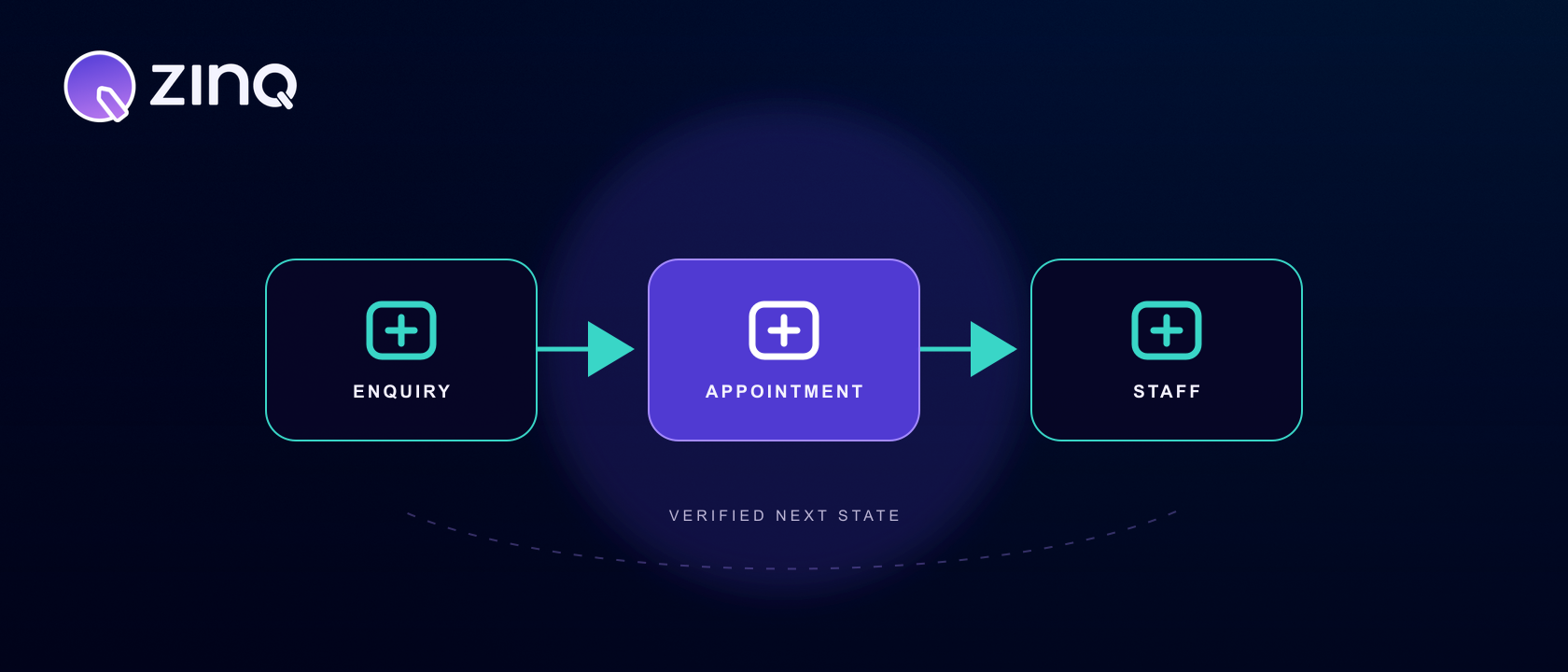
A clinic AI agent supports administrative patient communication by answering from approved information, collecting the minimum details needed, coordinating appointment workflows and handing sensitive, urgent or clinical questions to qualified staff.
Key takeaways
- Keep the first scope administrative: approved information, intake, appointment coordination and follow-up.
- Separate routine service questions from symptoms, treatment decisions and urgent requests.
- A booking is complete only after the scheduling system confirms it.
- Collect the minimum information needed and give every exception a named staff owner.
What should a clinic AI agent handle?
Start with administrative work that has clear rules and a visible next state. A clinic AI agent can answer approved questions about services, locations, opening hours or preparation instructions; collect enquiry details; coordinate a booking request; send configured reminders; and route the conversation to staff.
The useful boundary is not “healthcare versus non-healthcare.” It is whether the requested step depends on clinical judgment, urgency assessment or a decision that only an authorised person should make. The agent can collect a patient’s request for a clinician. It should not turn that request into its own diagnosis or treatment recommendation.
This distinction matters for people searching for a healthcare chatbot or chatbot for clinics. A menu of common answers may reduce a few repetitive messages. An agent becomes operationally useful when it can carry approved context into the next administrative step while preserving the point at which a person must take over.
Where should the boundary sit?
Use three lanes when defining scope.
| Lane | Examples | Required control |
|---|---|---|
| Approved information | Clinic hours, location, services offered, public preparation guidance | Answer only from current, owned sources |
| Confirmed administrative action | Appointment request, reschedule, document collection, reminder | Wait for the source system or staff to confirm completion |
| Staff-only judgment | Symptoms, urgency, treatment choice, diagnosis, unusual policy exception | Stop the workflow and route to qualified staff |
The third lane should be easy for the patient to reach. Do not make someone repeat clinical or sensitive details simply to prove that automation failed. Capture the minimum routing context, explain that a person needs to help, and transfer the conversation through the clinic’s approved path.
The World Health Organization’s guidance on safe and ethical AI for health emphasises transparency, expert supervision and rigorous evaluation. For an administrative clinic workflow, that translates into plain limits, reviewable conversations and accountable human ownership.
How does an enquiry become an owned next step?
A dependable workflow separates conversation from system state:
- Identify what the person is trying to do: ask about a service, request an appointment, change a booking or speak to staff.
- Answer only the parts supported by approved clinic information.
- Collect the minimum details required for the selected administrative step.
- Ask the scheduling or practice system for the relevant state, where an integration is available.
- Present options and obtain confirmation from the patient.
- Wait for the system to confirm the action before describing it as complete.
- Record the outcome or create a handoff with the conversation context and reason.
A friendly exchange is not the same as a completed workflow. If the calendar times out, the agent has a pending request—not a booking. That state should be visible to the patient and to the team expected to recover it.
ZINQ for clinics is designed around administrative patient communication, approved information, appointment coordination, connected workflows and staff handoff. Knowledge controls determine what can be used in an answer; connected systems determine which actions can be checked or completed.
A hypothetical appointment scenario
Imagine a person messages after the front desk has closed and asks whether the clinic offers a particular service on Saturday.
The agent checks the approved service and opening-hours sources. It can confirm that the service is offered and explain the public booking process. It asks for the preferred location and time window, then requests live availability from the scheduling system. The person selects a slot, the system returns a confirmation, and the agent shares the confirmed details.
Halfway through, the person asks whether the service is suitable given a symptom. That changes the request. The agent should not infer an answer from marketing copy or a general health article. It explains that clinical staff need to advise, records the person’s preferred contact details and routes the question with the existing context.
This scenario is hypothetical, but it exposes two design requirements. Intent can change inside one conversation, and a safe workflow must be able to narrow its authority immediately. It also shows why the appointment and clinical paths need different owners even when they begin in the same inbox.
What information should the agent use and collect?
Keep approved knowledge small enough to govern. Typical sources include service descriptions, locations, opening hours, booking rules, public fees, accepted administrative documents and preparation instructions that the clinic has approved for patient communication. Give each source an owner and review date.
Do not assume that more documents produce better answers. Conflicting service pages, old PDFs and internal notes create ambiguity. Define which source wins and what the agent does when no current answer exists. Often the correct response is a short acknowledgement and an owned staff follow-up.
Apply the same discipline to data collection. Ask for information because the next step requires it, not because the conversation makes it easy to collect. A service enquiry may need a location and preferred time. It may not need a detailed health history. Sensitive data, retention, access and consent need review under the clinic’s policies and applicable obligations; a general article cannot establish compliance for a specific deployment.
Identity also matters. Public opening hours can be answered without authentication. Disclosing or changing an existing appointment may require a verified identity flow. Map each intent to the level of assurance it needs before designing the conversation.
What makes a good staff handoff?
A handoff is a work item, not a transcript dropped into a queue. It should include:
- the patient’s stated intent;
- the minimum identifying or contact information the clinic permits;
- the approved answers already provided;
- the action attempted and its system status;
- the reason automation stopped; and
- the team or role now responsible.
Trigger handoff when the person asks for staff, a question needs clinical judgment, the request appears urgent or sensitive, identity cannot be established, information conflicts, a tool fails or the conversation repeatedly goes off track. The patient should know what happens next without receiving an invented response time.
Design the receiving side as carefully as the agent. Human handoff needs routing, ownership and a way for staff to continue with context. If nobody watches the destination, adding a handoff button has not solved the operational problem.
How should a clinic measure the workflow?
Measure the chosen journey, not a vague “automation rate.” For appointment coordination, examine the share of eligible requests that become confirmed appointments, pending requests, staff handoffs or abandoned conversations. Track tool failures and the age of unowned exceptions.
Review conversation samples alongside counts. A high completion rate can hide unnecessary questions, confusing language or a failure to escalate a clinical request. Conversation analytics can expose patterns, while qualified reviewers judge whether the boundary was followed.
Use a denominator and a defined population. “Thirty bookings” says little without knowing how many eligible appointment requests entered the workflow. Compare like with like after changes to knowledge, rules or integrations, and document the change so the team can investigate movement without guessing.
How should a clinic roll it out?
Choose one frequent administrative journey with stable rules. Write its permitted answers, required data, connected actions, confirmation source and stop conditions. Build a test set from real patient wording, including misspellings, mixed intents, requests for a person, unavailable slots, tool timeouts and clinical questions embedded in an administrative request.
Run the test set before launch and after every material change. Begin with a bounded audience or schedule if that makes staff review manageable. During early operation, review failures daily and update the workflow only when the new rule is clear enough to test.
Expansion should follow evidence. If appointment requests consistently reach a confirmed or owned state, the clinic may add rescheduling or a defined follow-up. Do not add a sensitive workflow simply because the first one performs well; repeat the authority, data and review assessment for each new journey.
When evaluating a clinic AI agent, ask for a demonstration of the difficult path. What happens when a patient changes intent, asks a clinical question, cannot be matched to a record or receives no response from the scheduling system? A credible answer shows the boundary, system state and human owner alongside the polished conversation.
Frequently asked questions
What is a clinic AI agent?
A clinic AI agent is software that supports approved administrative workflows such as answering service questions, collecting enquiry details, coordinating appointments, sending configured follow-up and handing a conversation to clinic staff.
Is a clinic AI agent the same as a healthcare chatbot?
A healthcare chatbot may provide fixed answers or menus. A clinic AI agent can also carry context through an administrative workflow and use connected systems, but its authority still needs explicit limits and human oversight.
Can a clinic AI agent give medical advice?
It should not diagnose, recommend treatment or make clinical decisions unless an appropriately governed and reviewed system is specifically authorised to do so. A general clinic communication agent should route clinical and urgent questions to qualified staff.
Can it book appointments?
It can coordinate booking when scheduling access, clinic rules and confirmation steps are configured. It should describe a slot as booked only after the source scheduling system confirms the appointment.
When should a patient be handed to a person?
Handoff is appropriate for urgent or sensitive requests, clinical questions, unclear identity, policy exceptions, repeated misunderstanding, tool failures and any direct request for a person.
Conclusion
A clinic AI agent is most useful when it removes administrative delay without pretending to provide clinical judgment. Start with one bounded workflow, verify each system action and make the route to qualified staff obvious.
READY TO SEE ZINQ IN ACTION?
From first enquiry to conversion, follow-up and support, ZINQ helps automate the next step while keeping your team in control.
Book a DemoAdditional resources
-
How clinics can use AI for patient communication
Clinics can use AI to help patients find administrative information, request appointments and continue routine conversations, with clinical questions routed to the appropriate professional team.
Pavan · June 22, 2026 · Industries → Clinical & Healthcare -
Designing human handover for clinic AI communication
Clinic AI communication needs a defined route to an appropriate person when a request is clinical, urgent, unclear or outside the approved administrative scope. A handoff is useful only if the receiving team can act on it.
Pavan · August 11, 2026 · Industries → Clinical & Healthcare -
AI booking agent: automate appointment requests without losing control
An AI booking agent handles appointment or reservation requests by collecting the right details, checking approved booking rules, confirming the next step, sending reminders and handing complex cases to a person.
The ZINQ team · September 29, 2026 · Workflows & Automation