AI Chatbot for Website: Use Cases and Benefits
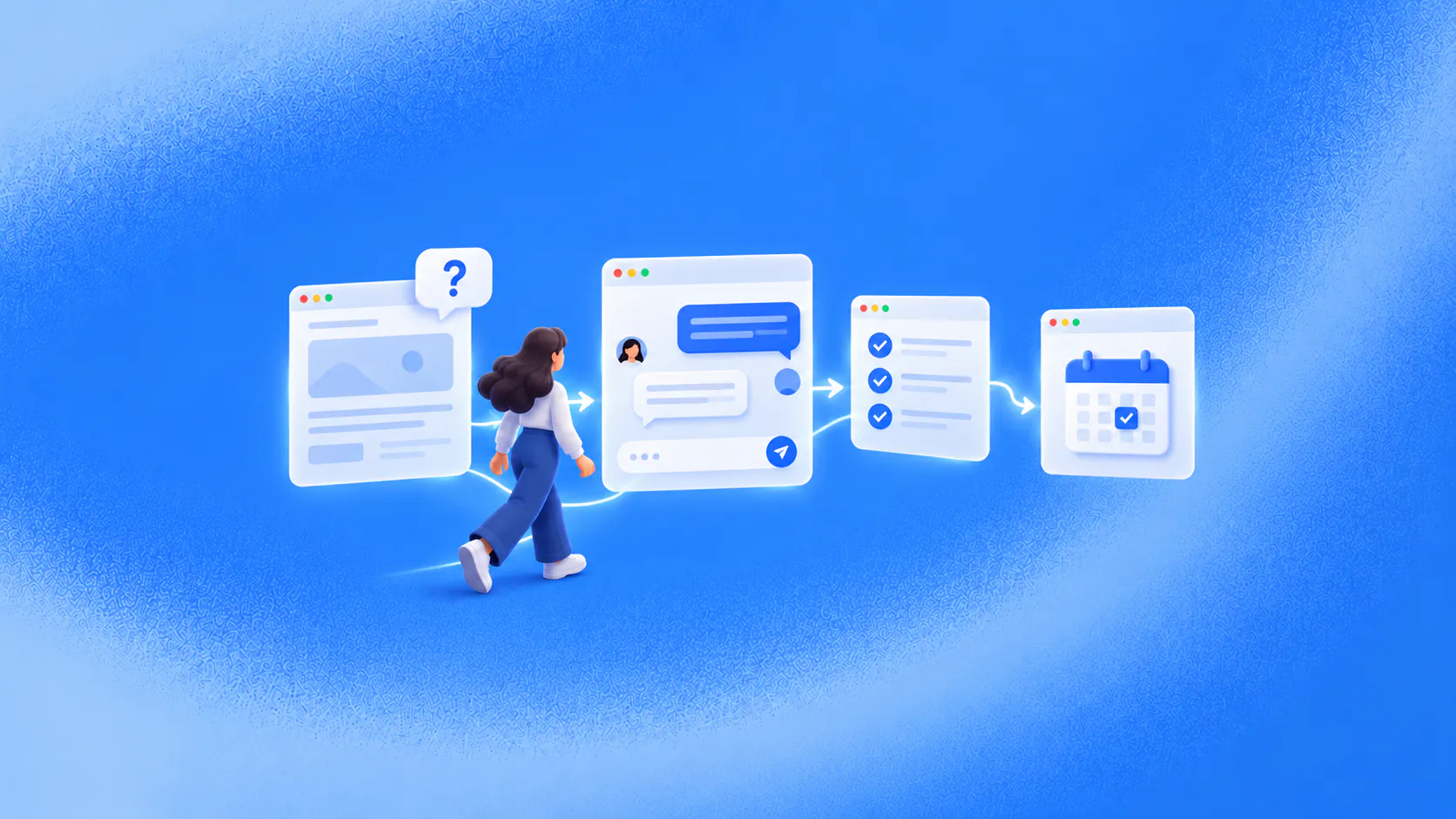
An AI chatbot for website visitors answers questions while they browse, collects useful context, qualifies relevant enquiries and supports booking, checkout, service or human follow-up. Its value comes from helping visitors reach a verified next step before they leave the site.
Key takeaways
- Website chat helps when one unresolved question is stopping a visitor from acting.
- Page context can improve relevance but should not replace a clear customer question.
- Qualification should help the visitor as well as collect information for the business.
- Measure bookings, qualified next steps and resolved requests—not widget opens alone.
What does a website visitor need before they act?
A visitor can read several pages and still leave because one question remains unanswered. A product may not explain compatibility. A service page may not clarify which option fits. A pricing page may not answer an implementation concern.
An AI chatbot for website visitors creates a conversation at that moment. It can answer from approved information, collect relevant context and move the visitor towards qualification, booking, checkout, service or a person.
In an illustrative situation, a prospect reaches an integration page and asks whether a particular workflow is supported. Instead of immediately requesting an email address, the assistant clarifies the requirement, answers from current documentation and offers the correct demo or technical follow-up path.
Related must-read articles
- What is an AI chatbot?
- AI chatbot examples and use cases
- AI chatbot for lead generation and qualification
- AI chatbot for customer support
- How to create and implement an AI chatbot
Where can an AI chatbot for website visitors create business value?
Answer the question blocking conversion
Use approved product, service, policy and implementation information. The knowledge platform should make maintained sources available and expose gaps for review.
Understand the visitor’s real intent
Page context can help, but it is not enough. Someone reading pricing may be a prospect, customer, competitor or researcher. An AI chatbot for website visitors should ask relevant questions rather than assume intent from browsing behaviour alone.
Qualify without recreating a long form
Collect only the details that affect fit, routing or the next step. A useful conversation also answers the visitor’s questions. The lead-qualification workflow should not feel like a form delivered one field at a time.
Move qualified interest towards action
Depending on the journey, the next step may be a demo, appointment, application, checkout or owned follow-up. Connected workflows should confirm the action and preserve failed requests.
Support existing customers
The same widget may receive account, status or service questions. Separate public information from requests requiring identity or authorisation, then route the conversation appropriately.
Bring in a person when necessary
A person steps in for negotiation, exceptions, sensitive questions, uncertain identity and direct requests for staff. The AI chatbot for website visitors should transfer the goal, page context, details collected and actions attempted through the human-handoff process.
How should the widget behave on different pages?
Do not use the same opening and workflow everywhere. A visitor on a product page may need discovery. Someone on a pricing page may need qualification or clarification. A customer on a help page may need service.
Use page context to make the first prompt relevant without claiming to know the visitor. Avoid opening messages that interrupt reading, manufacture urgency or request personal details before offering value.
Placement also affects usefulness. A visitor comparing products may benefit from discovery help, while someone reading a policy page may need a precise explanation. Review which pages produce genuine questions before showing the same prompt everywhere. Give visitors a clear way to close the widget, continue browsing and request a person without losing the conversation already completed.
What should you test before launch?
Test the AI chatbot for website visitors with:
- Clear and vague questions.
- Unsupported requests.
- Conflicting information.
- A visitor who changes intent.
- A failed calendar, CRM or task action.
- An unknown visitor requesting account information.
- A request for a person.
- Mobile pages and slower connections.
The web-chat channel should fit the site’s design, accessibility and privacy requirements. Staff should be able to continue supported conversations in the omnichannel inbox.
What should website chatbot performance measure?
Useful measures may include relevant conversations started, questions resolved, qualification completed, bookings or checkouts reached, service tasks created, drop-off, failed actions, handoff reasons and repeat contact.
Do not optimise only for widget opens or captured email addresses. Website chat succeeds when it helps the person reach an appropriate, observable next step.
Additional resources
Frequently asked questions
What is an AI chatbot for website visitors?
It is a conversational assistant embedded on a website that can answer approved questions, collect context and move visitors towards configured sales or service outcomes.
Is website chat better than a form?
Each serves a different need. A form captures defined information, while chat can answer the question that determines whether a visitor is ready to submit details or continue.
Can a website chatbot identify every visitor?
No. Treat an unknown visitor as unknown until appropriate information and identity controls establish otherwise.
Conclusion
Website chat should help a visitor resolve the next question and complete the next step—not become another popup that asks for contact details too early.
READY TO SEE ZINQ IN ACTION?
Answer website visitors while their question and intent are still active.
Book a DemoAdditional resources
-
What Is an AI Chatbot?
An AI chatbot is software that understands everyday language and responds through a customer conversation. For a business, it can answer approved questions, collect details, qualify an enquiry, complete a connected action and pass an exception to the right person.
The ZINQ team · October 23, 2026 · AI Chatbots -
AI Lead Generation Chatbot: Capture and Qualify Enquiries
A lead generation chatbot engages an incoming enquiry, answers approved questions, collects the details that affect fit and moves the prospect to booking, follow-up or a suitable resource. It supports demand already reaching the business rather than running paid advertising.
The ZINQ team · October 22, 2026 · Sales & Conversion -
AI Chatbot Examples and Practical Use Cases
Useful chatbot examples show a customer reaching an observable next step: a qualified enquiry, suitable option, confirmed booking, completed checkout, current status answer or well-prepared handoff. The best use case is frequent, bounded and connected to a result the business can verify.
The ZINQ team · October 22, 2026 · AI Chatbots