SaaS Chatbot for Trials, Demos and Customer Support
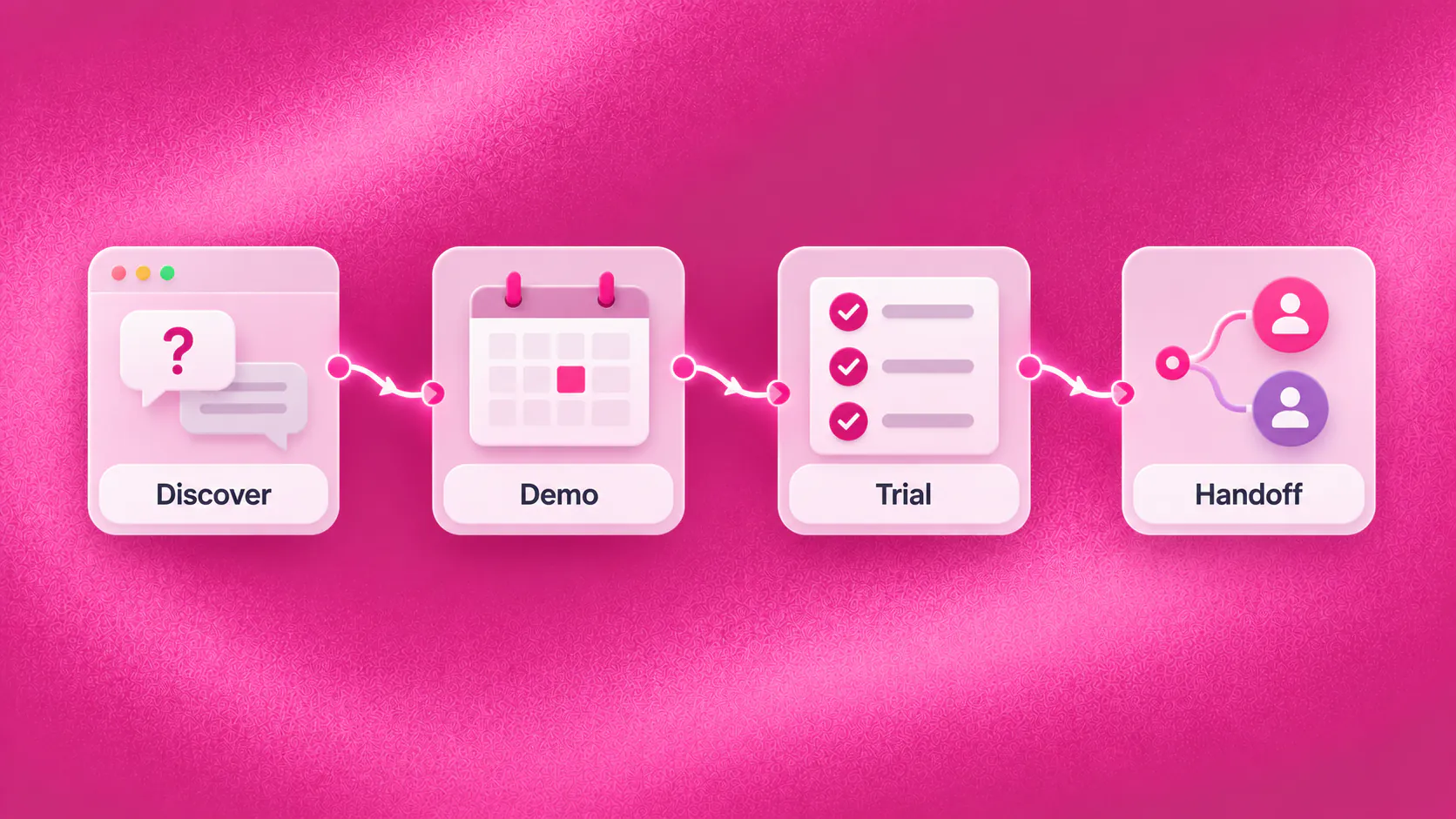
A SaaS chatbot can answer approved product questions, qualify demo enquiries, guide trial users to documented setup steps, collect useful support context and route commercial or technical exceptions to the right team. It should not invent product capabilities, security commitments, contract terms, roadmap promises or technical diagnoses.
Key takeaways
- Use current product knowledge so pricing, integration and capability answers do not drift after releases.
- Qualify demo requests around the prospect's use case, requirements and next step rather than collecting a generic contact form.
- Guide trial users through documented actions while routing account-specific or technical exceptions to responsible teams.
- Measure useful journey progress, unresolved questions and handoff quality instead of treating message volume as success.
What role can a SaaS chatbot play?
A SaaS chatbot can help a prospect understand a product, prepare for a useful demo, complete a documented trial step or reach the correct support team. Its job is not to replace product expertise. It makes the next action easier while preserving current product truth.
Consider an illustrative buyer who arrives on a pricing page after normal sales hours. The buyer needs a specific integration, has a ten-person team and wants to launch within a month. A useful conversation answers from approved information, collects those requirements and offers the appropriate demo path. Sales starts with context instead of another blank contact record.
Related must-read articles
Why do SaaS buying journeys lose momentum?
Software buyers rarely have one question. They compare plans, integrations, implementation effort, security requirements and whether the product fits their workflow. A generic reply may be accurate yet fail to move the decision forward.
Common friction includes:
- Product questions waiting for sales
- Demo forms collecting too little context
- Prospects booking the wrong type of meeting
- Integration questions reaching general support
- Trial users missing the next setup step
- Pricing or plan information becoming outdated
- Technical requests arriving without useful environment details
- Buyers repeating requirements after a handoff
- Dormant trials receiving unrelated follow-up
A SaaS chatbot should connect each question to a useful next step, not force every visitor through the same qualification script.
How can it improve product discovery?
The conversation can explain approved capabilities, plan differences, supported integrations and documented implementation requirements. It should also recognize when the answer depends on the prospect’s use case or a product specialist.
Useful discovery questions may include:
- What is the prospect trying to accomplish?
- Which systems must connect?
- How many people will use the product?
- What process exists today?
- What timeline matters?
- Which requirement is essential?
The SaaS chatbot should collect only what helps the buyer or receiving team. It should not turn a simple pricing question into a long interrogation.
When product content changes, update the approved source before expecting the conversation to remain accurate. The knowledge layer provides the operating context for governed answers.
How can it qualify a demo enquiry?
A demo request is more valuable when the sales team understands the buyer’s situation before the meeting. The conversation can capture the use case, company stage, required workflow, relevant integration, urgency and preferred time.
It can then offer an appropriate calendar path when current availability is connected. A basic enquiry may need a standard product demo. A prospect with security, procurement or complex integration questions may need specialist involvement.
The SaaS chatbot must not promise a feature, implementation date, discount, security term or roadmap item merely to secure the meeting. Qualification should improve the conversation, not create commitments the product or commercial team cannot honour.
See the lead qualification use case and appointment booking workflow for the supporting journey.
How can it help trial users progress?
Trial users often stop because the next action is unclear, not because they have rejected the product. A conversation can ask what they are trying to set up, point to the approved documentation and offer the relevant next step.
For example, an illustrative trial user may want to invite colleagues but cannot find the correct permission setting. The SaaS chatbot can locate the current documented instructions. If the account state, permission or error differs from the documentation, it should collect useful context and route the request.
Helpful trial support may include:
- Setup guidance from current documentation
- Links to the relevant product area
- Webinar or onboarding-session booking
- Reminder of an incomplete approved step
- Collection of account and environment context
- Routing to success or technical support
Do not infer product usage, customer health or churn risk unless the implementation has verified data and an approved purpose for using it.
Can it support existing customers?
Yes, within a defined scope. It may help customers find documentation, explain approved billing or account processes, collect an initial support description and create an owned task or ticket.
The SaaS chatbot should distinguish among sales, onboarding, billing, account administration, security and technical support. Each route needs a responsible team and an honest description of what happens next.
A customer reporting an error may be asked for the affected area, action attempted, error text and business impact. That context can help support begin productively. The conversation should not diagnose a defect, state a root cause or declare the problem fixed without evidence.
The tickets and tasks capability can preserve work that must continue after the chat ends.
How should follow-up and re-engagement work?
Follow-up should reflect the buyer’s stage and permission. A prospect who asked for integration information needs a different message from a trial user who requested onboarding help.
Appropriate journeys may include:
- A demo-booking reminder after expressed interest
- A documented trial setup prompt
- A relevant product education message
- A webinar invitation for an eligible segment
- A renewal or account-review reminder
- Re-engagement after a previously stated need changes
Use consent, suppression, frequency and opt-out rules. Stop automated follow-up when a person owns the conversation or the contact requests no further messages. The campaigns and segments capability supports first-party outreach; it does not run paid advertising.
When should a person step in?
Transfer when the prospect asks, the answer is uncertain, contractual or security interpretation is required, commercial negotiation begins, the product behaviour differs from documentation, a technical incident is suspected or a connected action fails.
Provide the receiving person with:
- The buyer or user’s stated goal
- Product area and plan context
- Requirements already collected
- Documentation already shared
- Actions attempted
- Current journey stage
- Requested next step
The human handoff capability should prevent the buyer from repeating the same use case and integration requirements.
What must remain outside chatbot authority?
Keep these decisions with responsible people and systems:
- Contract negotiation
- Security or compliance commitments
- Product roadmap promises
- Custom pricing or discount approval
- Defect diagnosis and incident resolution
- Account access decisions
- Data-processing interpretation
- Implementation feasibility commitments
The SaaS chatbot may collect context and route the request. It must not turn an incomplete answer into a confident commitment.
How do you measure business value?
Measure whether the conversation moved a real journey forward:
- Product questions answered from approved sources
- Demo enquiries with useful qualification context
- Demo requests reaching the correct team
- Trial users reaching a documented next step
- Support requests arriving with usable information
- Unanswered questions and knowledge gaps
- Connected actions that failed
- Transfers accepted with context
- Follow-up outcomes and opt-outs
The analytics layer can help teams review supported stages. Avoid claiming revenue attribution or product-usage insight without a verified measurement setup.
Who should own conversation quality?
Marketing may own acquisition questions, sales may own qualification, product may own capability truth, customer success may own onboarding and support may own technical intake. Assign a source owner and review date for each knowledge area.
Review repeated unanswered questions after releases, pricing changes and integration updates. Some gaps need clearer documentation; others reveal a routing or product problem. The SaaS chatbot should expose those gaps without pretending every issue can be solved by rewriting an answer.
Start with one observable journey, such as demo qualification or trial setup guidance. Test realistic questions, exceptions and handoffs before expanding. A narrower conversation with current knowledge is more useful than a broad one that creates doubt.
What should the first operating workflow include?
Choose a journey with frequent questions, a visible next step and a team that can own exceptions. Demo qualification is a practical candidate when prospects repeatedly ask about plans, integrations and fit. Trial onboarding may be stronger when users regularly stop at the same documented setup step.
Write down what the SaaS chatbot may answer, what information it may collect and which outcome proves the journey worked. Then define the failure path. If calendar availability is missing, should it create a callback request? If documentation does not match the account state, which support queue receives the issue?
Before launch, test the SaaS chatbot with:
- A prospect asking about an unsupported integration
- A buyer requesting a roadmap commitment
- A trial user with an account-specific permission problem
- A pricing question after a plan change
- A demo request that needs a specialist
- A customer reporting a possible production incident
- A person requesting no further follow-up
Review the first conversations with sales, product and support together. The SaaS chatbot may reveal that teams use different language for the same capability or that documentation does not answer a common buying question. Assign each gap to the team that owns the source.
Document the SaaS chatbot review date and the product changes that should trigger retesting. A dependable SaaS chatbot must change when plans, integrations, security documentation, setup steps or routing responsibilities change.
Keep a named owner responsible for approving every SaaS chatbot expansion.
Additional resources
- ZINQ for SaaS and technology
- Lead qualification
- Appointment booking
- Customer service
- Workflow automation
- Book a ZINQ demo
Frequently asked questions
What can a SaaS chatbot do?
It can answer approved product questions, qualify demo enquiries, support documented trial onboarding, collect support context and route sales, billing, security or technical requests.
Can a SaaS chatbot troubleshoot software problems?
It may guide a user through approved troubleshooting steps, but it should not diagnose defects, make security commitments or claim that an incident is resolved without system or staff confirmation.
Can it book product demos?
Yes, when it has current calendar access and the booking workflow is configured. Complex commercial or technical discovery should remain with the appropriate team.
Conclusion
A SaaS chatbot is useful when it removes friction from product discovery, demo qualification, trial progress and support intake while keeping current product truth and clear human ownership.
READY TO SEE ZINQ IN ACTION?
From first enquiry to conversion, follow-up and support, ZINQ helps automate the next step while keeping your team in control.
Book a DemoAdditional resources
-
What Is a Chatbot? Business Uses and Examples
A chatbot is software that holds a text or voice conversation with a person. Businesses use one to answer common questions, collect information, guide a customer through a defined task and bring in a person when the request needs judgment.
The ZINQ team · October 30, 2026 · Comparisons & Guides -
Lead Generation Chatbot: Qualification and Follow-Up
A lead generation chatbot engages an inbound enquiry, answers the prospect's first question, collects the details that affect fit or routing and gives the conversation a clear next step. It should qualify declared intent without making hidden assumptions or forcing every prospect through a long form.
The ZINQ team · October 30, 2026 · Sales & Conversion -
How to Create a Chatbot for Your Business
To create a chatbot for a business, choose one customer task, define the information and actions it needs, write the successful and exception paths, connect only the required systems, provide human ownership and test real conversations before launch.
The ZINQ team · October 30, 2026 · AI Chatbots