Clinic Appointment Reminders: Replies, Changes, and Cancellations
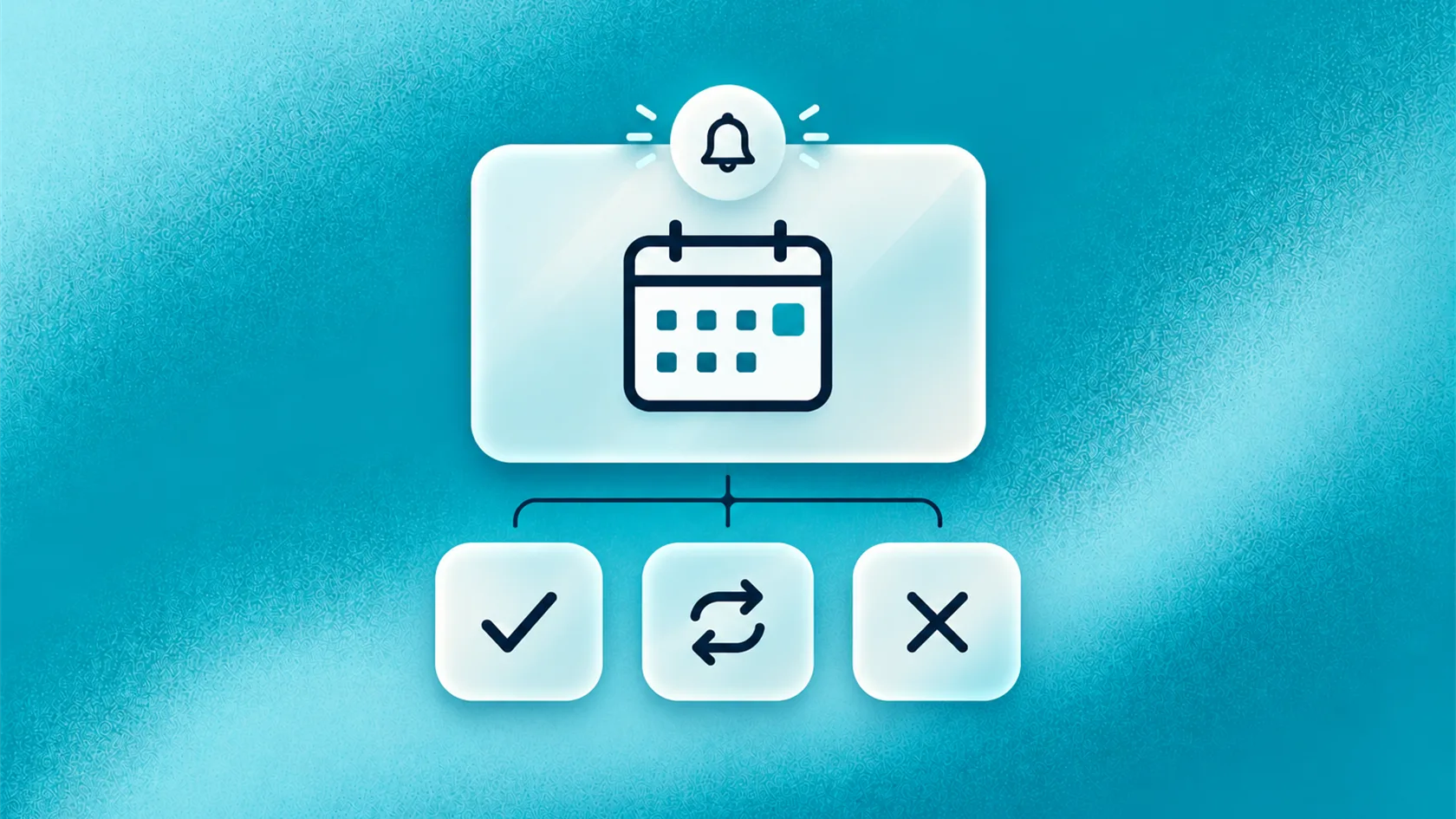
Clinic appointment reminders protect the schedule when they identify the appointment, invite a clear confirm/change/cancel action, and give each reply an owner.
Key takeaways
- A reminder should make the next action obvious.
- Patients need an easy way to confirm, request a change, or cancel.
- Early notice gives the clinic a better chance to reuse an unwanted slot.
- Replies need an owner, or the reminder creates another inbox for staff to monitor.
- Track resolved appointment actions, not only message delivery.
Why reminders matter to the business
An empty appointment slot has already consumed clinic capacity. The practitioner, room, equipment, and staff time were held for a visit that did not happen.
Not every missed appointment can be prevented. Patients forget, plans change, transport fails, and personal circumstances shift. A clinic can still make it easier for people to confirm or tell the team that they cannot attend.
That earlier signal matters. It gives reception more time to offer another date, contact someone on a waitlist, or release the capacity for another patient.
Reminders also reduce avoidable calls. When the message contains the correct branch, time, and change instructions, patients do not need to contact the clinic simply to check the basics.
This is why clinic appointment reminders belong in a capacity and patient-experience conversation, not only a messaging conversation.
What a useful reminder should achieve
A reminder has four jobs.
Help the patient recognise the appointment
Use the clinic name, date, time, and location. If the clinic has several branches, make the address or branch unmistakable.
Ask for a clear action
Tell the patient how to confirm, change, or cancel. A vague “contact us if needed” leaves too much work to the reader.
Set an honest expectation
If a change request still needs staff approval, say so. Do not make the patient think the appointment has moved before the clinic confirms the new time.
Keep open requests visible
Every reply should reach the right place. A cancellation sitting unread in a messaging account does not free the slot.
The reminder itself can be short. The thinking behind it cannot.
What to include in the message
A practical reminder may include:
- clinic name;
- appointment date and time;
- branch or address;
- a simple confirmation option;
- clear instructions for changes or cancellations;
- a link to approved preparation information, when relevant; and
- the clinic’s contact route.
Keep personal or clinical detail to the minimum needed for the channel. A lock-screen preview should not reveal information the patient does not need in the reminder.
Use normal language. For example:
Reminder from Northside Clinic: your appointment is on Thursday 22 October at 2:00 pm at our Central Branch. Reply CONFIRM to confirm, CHANGE to request another time, or CANCEL if you cannot attend.
This is an illustrative template. Each clinic should approve its own wording, timing, and channel rules.
How to handle patient replies
The reminder becomes useful when the clinic deals with the response.
Confirmation
Record the response against the correct appointment. If the patient has more than one booking, ask which one they mean rather than assuming.
Change request
Find out which appointment they want to move and what timing works better. If the clinic can offer supported alternatives, show them. Otherwise, give the front desk a clear request to review.
The original appointment may remain active until the new time is confirmed. Tell the patient what is true now.
Cancellation
Use the clinic’s approved cancellation process. Confirm the cancellation only after the appointment record changes or staff approve it.
After that, the clinic may offer to help find another time. Keep the choice optional. Someone cancelling should not have to complete a long sales conversation.
Unclear reply
Patients may write “maybe”, “next week?”, or “which appointment is this?” Ask one short clarifying question when the issue is administrative. Send clinical, sensitive, or persistently unclear messages to staff.
Clinic software providers use similar categories in practice. MedicalDirector Helix separates accepted, declined, and unrecognised responses, while Accurx distinguishes appointment amendments and cancellations.
Where WhatsApp fits
Many businesses search for a way to schedule WhatsApp messages. For clinics, scheduling the message is only the first step. The clinic also needs a plan for the reply.
WhatsApp appointment reminders can make actions easy through short replies or buttons. The patient can continue in the same conversation instead of calling during opening hours.
Before using any channel, the clinic should review consent, privacy, template, and opt-out requirements that apply to its location and service. It should also decide what happens if the message is not delivered.
The channel should suit the patient and the clinic’s policies. The business goal stays the same across WhatsApp, SMS, email, or another approved option: obtain a useful response and update the appointment correctly.
The WhatsApp AI agent guide explains how approved replies, actions, and staff handoff can sit inside a wider WhatsApp conversation.
How to improve the reminder process
Start with one appointment type that creates regular confirmation work or late changes.
- Review the reminder currently sent.
- List the replies patients commonly send.
- Decide which replies staff can resolve quickly and which need another team.
- Make confirmation, change, and cancellation instructions clear.
- Test what happens in the calendar and staff inbox.
- Review unresolved replies every week during the first rollout.
Ask the front desk where the process breaks. They may find that the reminder goes out too late, the location is unclear, change requests reach the wrong inbox, or the clinic has no agreed owner for cancellations.
AI can support routine reply handling when the clinic’s information, actions, and handoff routes are defined. It should make the administrative step easier, not introduce a new place for staff to check.
What to measure
Useful measures include:
- appointments with a recorded confirmation status;
- change requests received early enough to act on;
- cancelled slots released;
- open replies waiting for staff;
- delivery failures;
- time taken to resolve a change request; and
- repeated calls about information already included in the reminder.
Do not treat delivery as the final result. A delivered message may be ignored, misunderstood, or answered in a queue nobody monitors.
For example, a dental clinic sends a reminder 48 hours before a consultation. The patient replies that the time no longer works. The clinic offers two approved alternatives, the patient chooses one, and the calendar confirms the change. Reception does not need to restart the conversation by phone.
This example is illustrative, not a reported customer result.
Frequently asked questions
What is the purpose of a clinic appointment reminder?
When should a clinic send reminders?
Can patients reschedule by replying?
Should a reminder include preparation instructions?
Conclusion
Clinic appointment reminders help protect the schedule when they produce a clear, usable response. The message should identify the appointment, make the next action easy, and send every open request to someone who can resolve it. Start with confirm, change, cancel, and unclear. If those four paths work, the clinic has a much stronger reminder process than a one-way message can provide.
READY TO SEE ZINQ IN ACTION?
From first enquiry to conversion, follow-up and support, ZINQ helps automate the next step while keeping your team in control.
Book a DemoAdditional resources
-
Clinic AI Agent: Administrative Workflows and Handoff
A clinic AI agent supports administrative patient communication by answering from approved information, collecting the minimum details needed, coordinating appointment workflows and handing sensitive, urgent or clinical questions to qualified staff.
The ZINQ team · October 7, 2026 · Industries → Clinical & Healthcare -
AI booking agent: automate appointment requests without losing control
An AI booking agent handles appointment or reservation requests by collecting the right details, checking approved booking rules, confirming the next step, sending reminders and handing complex cases to a person.
The ZINQ team · September 29, 2026 · Workflows & Automation -
How clinics can use AI for patient communication
Clinics can use AI to help patients find administrative information, request appointments and continue routine conversations, with clinical questions routed to the appropriate professional team.
Pavan · June 22, 2026 · Industries → Clinical & Healthcare