WhatsApp AI Agent: From First Message to the Next Action
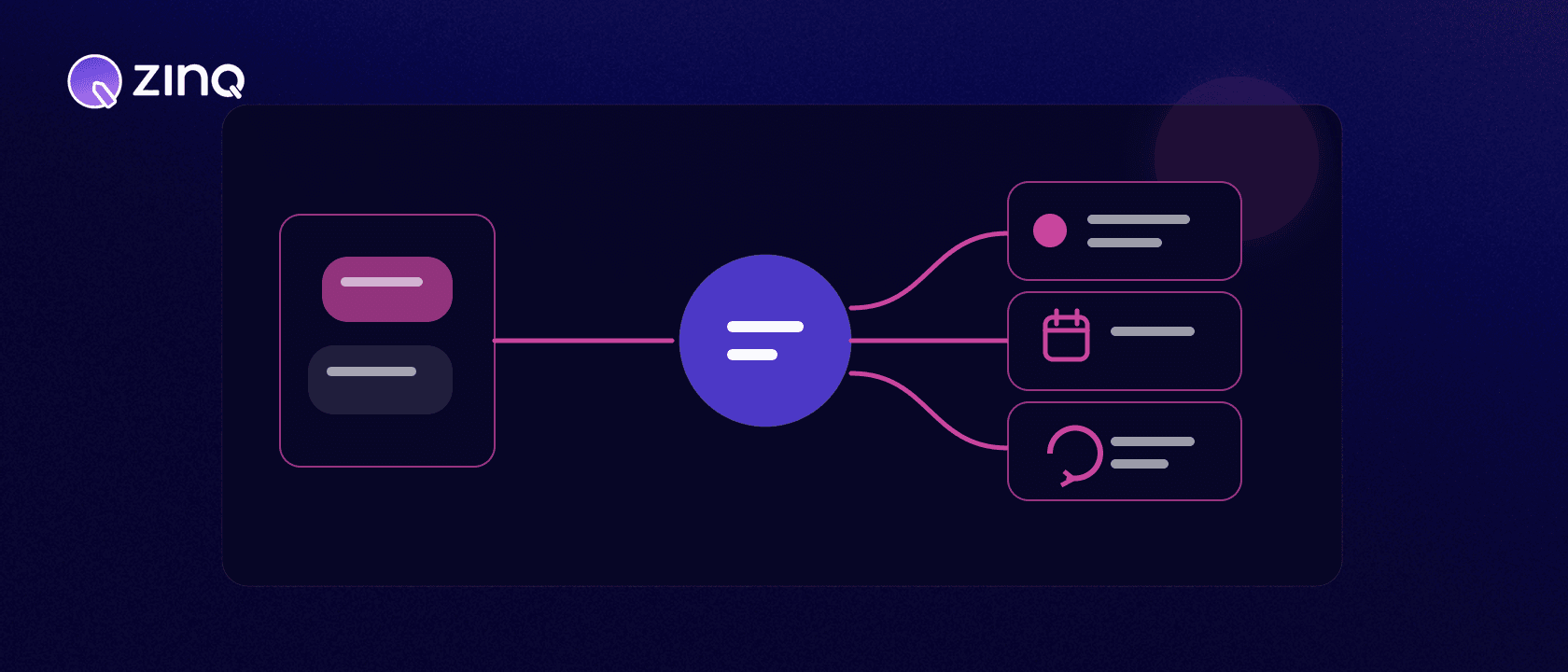
A WhatsApp AI agent handles an approved customer workflow inside WhatsApp: it can answer from business knowledge, collect useful details, trigger supported actions, follow up and hand a conversation to a person with context.
Key takeaways
- Start with one customer outcome, not a list of automated replies.
- Separate what the agent may answer from what it may change in another system.
- A completed workflow needs a verified next state, such as a confirmed booking or owned handoff.
- Templates, consent, permissions and exception ownership belong in the operating design.
What makes a WhatsApp AI agent useful?
The useful unit is not a message. It is a customer outcome. A customer asks about a service, shares the details needed to qualify the enquiry, chooses an available time and receives confirmation. If the request falls outside the rules, a named person receives the conversation with the context already collected.
That is a different operating problem from installing a WhatsApp chatbot that can answer a few common questions. The agent needs approved knowledge, a workflow, permission to use specific tools and a clear human owner for exceptions.
What should the agent own?
Begin with one journey that has a visible end state. Good first candidates are repetitive, frequent and easy to verify:
- answering approved service or product questions;
- collecting qualification details;
- offering a supported booking path;
- checking an available order or request status;
- sending a permitted follow-up; or
- routing an exception to the right queue.
“Handle WhatsApp” is not a usable scope. “Collect location, service interest and preferred time, then create an owned enquiry” is. The second version tells your team what information is required, which system records it and what counts as done.
How the operating layers fit together
| Layer | Its job | The question to settle |
|---|---|---|
| Carries the conversation | Which message types and customer entry points are supported? | |
| Knowledge | Supplies approved answers | Which source wins when information conflicts? |
| Agent | Understands intent and chooses a permitted step | What may it answer, ask or decline? |
| Workflow and tools | Perform the action | Can it create, update or only suggest? |
| Human owner | Handles exceptions | Who receives the conversation, and with what context? |
This separation prevents a common launch error: treating access to a channel as permission to act. An agent may be able to read a booking policy without being allowed to confirm a slot.
A practical enquiry-to-booking workflow
Consider a hypothetical service business receiving a late-evening enquiry.
- The customer asks about a service in WhatsApp.
- The agent answers from the approved service information and asks only for the details needed for the next step.
- It identifies the customer’s location, service interest and preferred time.
- A connected scheduling workflow returns available slots.
- The customer chooses one, and the scheduling system confirms it.
- The agent shares the confirmed details and records the next permitted follow-up.
- If no suitable slot exists, the conversation moves to the team that owns scheduling exceptions.
The confirmation in step five matters. A friendly message saying “you are booked” is not proof that a booking exists. The source system must return a successful state before the agent presents the action as complete.
What controls belong in the design?
Write down the agent’s boundaries before launch:
- the knowledge sources it may use;
- the data it needs and should not collect;
- the actions it may create or update;
- the points that require customer confirmation;
- the message templates or conversation rules that apply;
- the events that trigger human handoff; and
- the owner and recovery step when an integration fails.
Meta’s WhatsApp Business Platform developer resources are the right place to confirm current platform requirements. Keep those requirements separate from your own workflow rules: both matter, but they solve different problems.
ZINQ’s WhatsApp channel can support approved enquiries, qualification, booking, follow-up and handoff where the required capabilities are configured. Knowledge controls what the agent can use, while human handoff gives exceptions a person and a destination.
How should you measure it?
Count outcomes with a denominator, not isolated activity. For a booking workflow, useful measures include the share of eligible enquiries that reach a confirmed slot, the share handed to a person, the number that stop after a tool error and the time an exception waits for an owner.
Also review a sample of conversations. A completion rate cannot tell you whether the agent asked for unnecessary data, used the wrong source or created a handoff with too little context. Conversation analytics and qualitative review answer different questions; use both.
How do you choose the first workflow?
Score candidate workflows on four factors: frequency, value, predictability and verifiability. A frequent request creates enough evidence to improve the system. A valuable request justifies the work. A predictable workflow has rules that can be written down. A verifiable workflow produces a state another system or person can confirm.
Appointment enquiries often meet all four conditions when the service, locations and scheduling rules are already clear. A complaint involving an unusual refund decision may be valuable but not predictable enough for the agent to own. It may still be a good intake-and-handoff workflow.
Use a short selection worksheet:
- What does the customer want at the end?
- Which information is required to reach that end?
- Which approved source answers each common question?
- Which system confirms the action?
- Which exceptions occur often enough to design now?
- Who owns every other exception?
If the team cannot name a confirmation source or exception owner, narrow the workflow. The agent can collect context and route the request until the missing operating decision is resolved.
What knowledge should be available?
Give the agent the smallest useful set of approved sources. That may include service descriptions, eligibility rules, locations, opening hours, preparation instructions, public pricing and booking policies. Name the owner and review date for each source.
Avoid a folder of overlapping documents with no priority. If the website says one thing and an internal document says another, the agent needs a deterministic rule—or it needs to stop and hand off. More documents do not automatically produce a better answer.
Test knowledge with real customer wording. “Do you do consultations on Saturday?” may require the agent to combine service availability, location and opening hours. The answer should remain limited to what those sources support. If live availability requires a scheduling tool, the knowledge base alone cannot confirm it.
How should proactive follow-up work?
Follow-up needs its own purpose, permission and stop conditions. Define why the message is being sent, which event triggers it, the permitted timing, the approved template where required and what response ends the sequence.
A reminder after a confirmed booking is different from re-engaging someone who asked one question weeks ago. Do not treat every captured phone number as permission for every future campaign. Keep service communication, requested follow-up and promotional messaging distinct in both data and workflow rules.
Add suppression conditions. Stop or change the sequence when the customer replies, completes the action, opts out, the underlying appointment changes or a person takes ownership. Otherwise automation can send a reminder after the issue is already resolved.
Test the difficult paths before launch
A useful test set includes more than polished FAQs. Include spelling mistakes, mixed intents, a request to speak to a person, conflicting source information, an unavailable slot, a tool timeout, a repeated message and a customer who changes their mind halfway through.
For each test, record the expected answer, permitted action, confirmation source and correct handoff reason. Test the same scenario after changes to knowledge, workflow rules or integrations. A conversation that worked last month is not evidence that a new configuration still works.
Launch to a bounded workflow and a team that is ready to receive exceptions. Review the first conversations daily, then move to a regular cadence once failure patterns are stable. Expansion should follow evidence: add the next intent because the current one has clear outcomes and owned exceptions, not because the agent has been live for a certain number of days.
Keep a change log for the live workflow. Record new knowledge sources, permission changes, template updates, integration releases and handoff-rule changes. When completion or escalation moves, the team can compare the timing with a real operational change instead of guessing. Roll back a change when it creates an unsafe or confusing path, and retain the conversations needed to understand the failure within the approved data policy.
How to choose a WhatsApp AI agent
Ask a vendor to demonstrate one complete workflow, including the failure path. Can the agent show where an answer came from? Does it wait for confirmation before claiming an action succeeded? Can a person see why the conversation was handed over? What happens when the customer changes intent halfway through?
The answers reveal more than a long feature list. A dependable WhatsApp AI agent makes the next state visible to the customer and the team responsible for it.
Frequently asked questions
What is a WhatsApp AI agent?
A WhatsApp AI agent is software that manages an approved customer workflow in WhatsApp by using business knowledge, collecting context, taking supported actions and involving a person when needed.
Is a WhatsApp AI agent the same as a WhatsApp chatbot?
A basic chatbot may answer questions or follow a fixed menu. An AI agent can also carry context through a workflow, use connected tools and work toward a defined next action, subject to its permissions.
Can it book appointments or qualify leads?
It can support those tasks when the relevant workflow, business rules and integrations are configured. The booking or CRM system should confirm whether the action actually succeeded.
When should it hand a conversation to a person?
Handoff is appropriate when the customer asks for a person, the answer cannot be verified, an exception falls outside policy, a tool fails or the request is sensitive.
Conclusion
A useful WhatsApp AI agent owns one clearly bounded customer journey and proves the next action happened. Define the workflow, authority, failure path and human owner before adding more volume.
READY TO SEE ZINQ IN ACTION?
From first enquiry to conversion, follow-up and support, ZINQ helps automate the next step while keeping your team in control.
Book a DemoAdditional resources
-
WhatsApp chatbot for business: setup, use cases and limits
Set up a WhatsApp chatbot for business by choosing one customer workflow, connecting an approved WhatsApp Business Platform setup, defining consent and message rules, grounding answers in maintained knowledge, configuring actions and human handoff, and testing both successful and failed paths.
The ZINQ team · September 21, 2026 · WhatsApp for Business -
WhatsApp Business API: what growing teams need to know
The WhatsApp Business Platform API lets a business connect WhatsApp messaging to software, webhooks and operational workflows. Growing teams need to plan account ownership, consent, templates, phone-number setup, message events, integrations, human inbox access, security, monitoring and current pricing.
The ZINQ team · September 21, 2026 · WhatsApp for Business -
Connecting an AI agent to your CRM and calendar
An AI-to-CRM or calendar integration needs supported operations, limited permissions, clear field mapping and a way to verify writes. Test duplicate requests and partial failures before letting a conversation change live records.
Pavan · June 30, 2026 · Integrations