Post-Appointment Follow-Up Workflows for Clinics
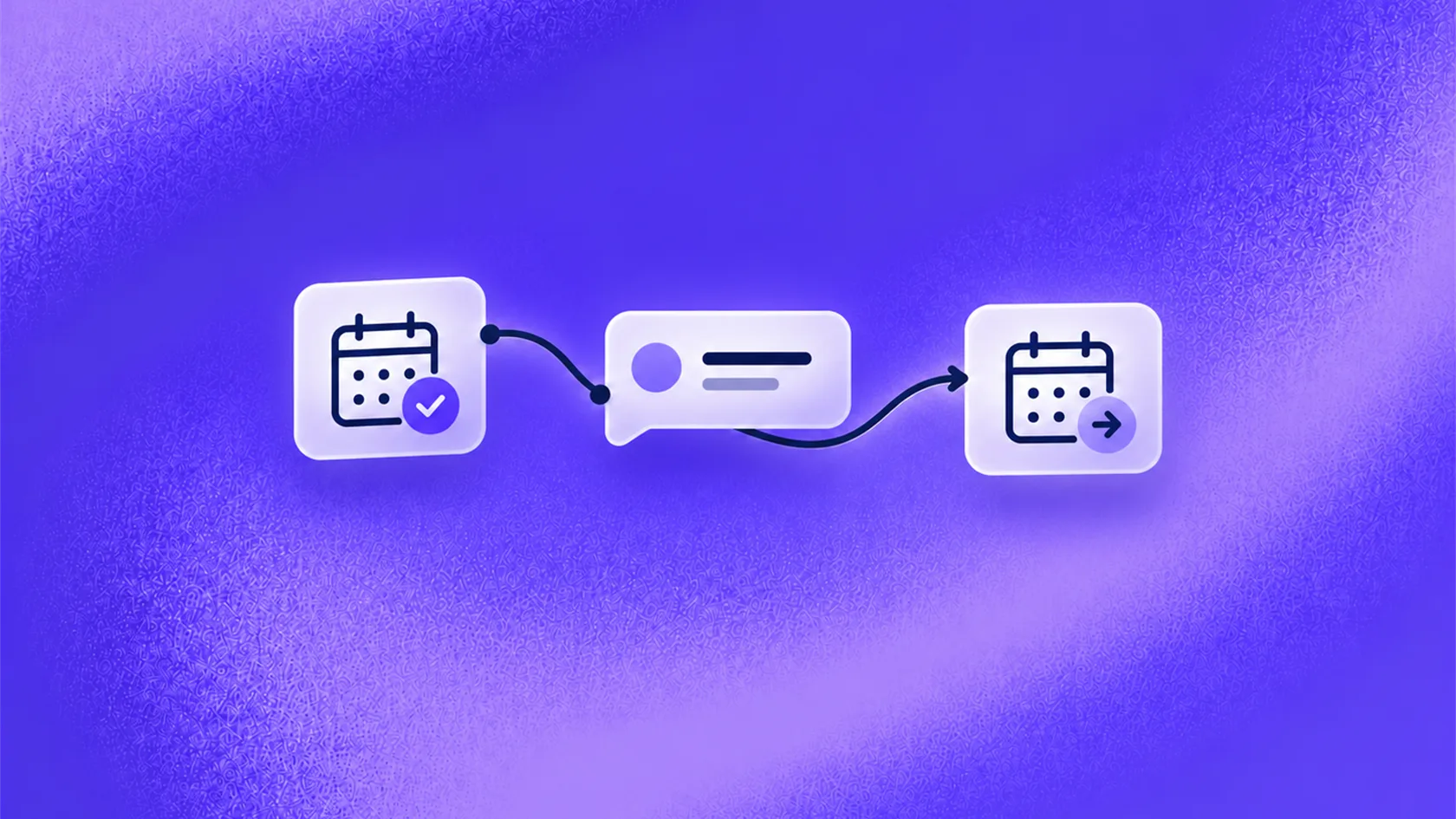
Post-appointment follow-up works when each message has one purpose, a clear stopping rule, and an owner for patient replies.
Key takeaways
- Give every follow-up message one clear business purpose.
- Use the visit context so the message is relevant, but avoid unnecessary personal detail.
- Stop scheduled messages when the patient replies, opts out, or staff take over.
- Send clinical questions to qualified staff.
- Measure completed next steps and unresolved requests, not message volume alone.
Why follow-up matters to a clinic
The appointment may be finished, but the administrative journey often is not.
The patient may need a receipt, a document, another appointment, a reminder about an approved next step, or a way to contact the clinic. Staff may also want feedback about the experience or need to continue a conversation that started during the visit.
When follow-up depends on someone remembering to send a message, the experience becomes inconsistent. Busy days get priority. Routine tasks wait. Patients call because they do not know what happens next.
A planned follow-up process gives the clinic a reliable way to continue the relationship. It can support retention, future appointment demand, feedback collection, and a more organised front desk. The aim is not to send more messages. It is to make the next step easier.
Where follow-up breaks down
Generic customer follow-up advice often focuses on timing and wording. Clinics have an additional concern: a reply may move from an administrative question to a clinical one without warning.
Other common problems include:
- every patient receives the same message;
- the message contains several competing requests;
- staff send a rebooking prompt even though the next visit is already arranged;
- the clinic keeps sending messages after the patient replies;
- a billing or document request reaches the wrong team;
- a clinical question remains in a general inbox; or
- nobody can see which follow-ups still need action.
These problems create work for staff and make the clinic feel less organised. They also weaken the value of every future message because patients learn that replying may not help.
Choose one purpose for each message
Before writing the message, decide what the clinic wants the patient to do or understand.
Common purposes include:
- share current information that the clinic has approved;
- help the patient arrange the next appointment;
- confirm that a document or administrative request is complete;
- make it easy to contact the clinic with a question;
- request feedback about the service experience; or
- close an open administrative conversation.
One message should not try to thank the patient, request a public review, promote another service, collect feedback, ask for documents, and prompt rebooking at the same time.
Pick the most relevant next step. If there is no useful reason to contact the patient, do not send another message.
Build a simple follow-up plan
A practical plan needs four decisions.
Who should receive the message?
Use the appointment type and current record. Exclude people whose situation has already changed, such as a patient who has booked the next visit or asked staff to contact them directly.
When should it arrive?
Timing depends on the purpose. A receipt link, rebooking prompt, feedback request, and clinic-approved check-in do not belong on the same schedule.
What should it say?
Explain why the clinic is writing and give one clear next step. Use details the clinic can verify. Avoid implying urgency, a result, or a personal recommendation that has not come from the appropriate professional.
What happens after a reply?
Decide whether reception, billing, records, scheduling, or qualified clinic staff should receive it. A message without an owner creates another task list hidden inside an inbox.
For example:
This is a follow-up from Northside Clinic after your appointment on Monday. If you need help with your next appointment, receipt, or contacting the clinic team, reply here.
This gives the patient a clear route back without asking them to make a clinical judgment.
Make patient replies useful
Replies usually fall into a small number of business categories.
| Patient reply | Useful next step |
|---|---|
| “I need another appointment” | Start the approved booking process or send the request to scheduling. |
| “I have not received my invoice” | Send approved information or route the request to billing. |
| “How do I get my documents?” | Follow the clinic’s identity and records process. |
| “I want to speak to someone” | Send the conversation to the correct team with context. |
| “Stop messaging me” | Apply the clinic’s channel and opt-out rules. |
| A question about symptoms, treatment, or personal instructions | Send it to qualified staff through the clinic’s approved route. |
Healthcare conversational AI can help sort routine replies and carry the context into the next task. It should not interpret symptoms, change instructions, or reassure the patient about a clinical concern.
The clinic handover guide explains how to give staff enough context to continue without making the patient start again.
Reduce manual chasing
Auto follow-up can remove repetitive reminders, but automation should have stopping rules.
Stop or pause the sequence when:
- the patient replies;
- the patient completes the intended action;
- the patient opts out;
- staff take over;
- the appointment or patient status changes; or
- the clinic no longer has a valid reason to send the message.
This prevents the awkward experience of receiving a generic prompt after the patient has already called, booked, or raised a concern.
Start small. Choose one follow-up that staff currently repeat and one clear outcome. This might be a rebooking invitation after a specific appointment type or a route for obtaining a receipt.
Ask the team to review the first replies. They will quickly identify unclear wording, wrong timing, and requests that need a different owner.
How to write useful AI-assisted follow-up messages provides more guidance on context, timing, and stopping rules.
What to measure
Useful measures depend on the message purpose.
For rebooking, track invitations sent, replies, appointment requests, and confirmed appointments. For administrative help, track requests resolved, requests handed to staff, and time left open. For feedback, track completed responses and complaints that need action.
Across all follow-up, monitor:
- replies by reason;
- completed next steps;
- opt-outs;
- messages stopped because staff took over;
- open requests without an owner;
- repeated contacts about the same issue; and
- messages sent after the intended action was already complete.
Suppose a dermatology clinic sends an approved follow-up after a consultation. The patient asks for a receipt and wants to arrange the next visit. The first request goes to billing, and the second starts the booking process. Staff receive two clear tasks instead of one long, mixed message.
This example is illustrative, not a reported customer result.
Frequently asked questions
What is post-appointment follow-up?
How many follow-up messages should a clinic send?
Can follow-up be automated?
Can the message include medical advice?
Conclusion
Good post-appointment follow-up workflows turn a completed visit into a clear next step. They help the clinic stay organised, make rebooking and administrative help easier, and keep unresolved replies visible. Begin with one repeatable message and one measurable outcome. If the clinic cannot explain why the message is being sent or who owns the reply, it is not ready to automate.
READY TO SEE ZINQ IN ACTION?
From first enquiry to conversion, follow-up and support, ZINQ helps automate the next step while keeping your team in control.
Book a DemoAdditional resources
-
Clinic AI Agent: Administrative Workflows and Handoff
A clinic AI agent supports administrative patient communication by answering from approved information, collecting the minimum details needed, coordinating appointment workflows and handing sensitive, urgent or clinical questions to qualified staff.
The ZINQ team · October 7, 2026 · Industries → Clinical & Healthcare -
How to write useful AI-assisted follow-up messages
AI can draft a follow-up message from a verified conversation, but the message still needs a clear reason, an accurate next step and permission to use the chosen channel. Avoid invented urgency, discounts or claims about what the customer wants.
Pavan · July 29, 2026 · Sales & Conversion -
Clinic Appointment Reminders: Replies, Changes, and Cancellations
Clinic appointment reminders protect the schedule when they identify the appointment, invite a clear confirm/change/cancel action, and give each reply an owner.
The ZINQ team · October 14, 2026 · Industries → Clinical & Healthcare