Route travel booking changes from chatbot to operator
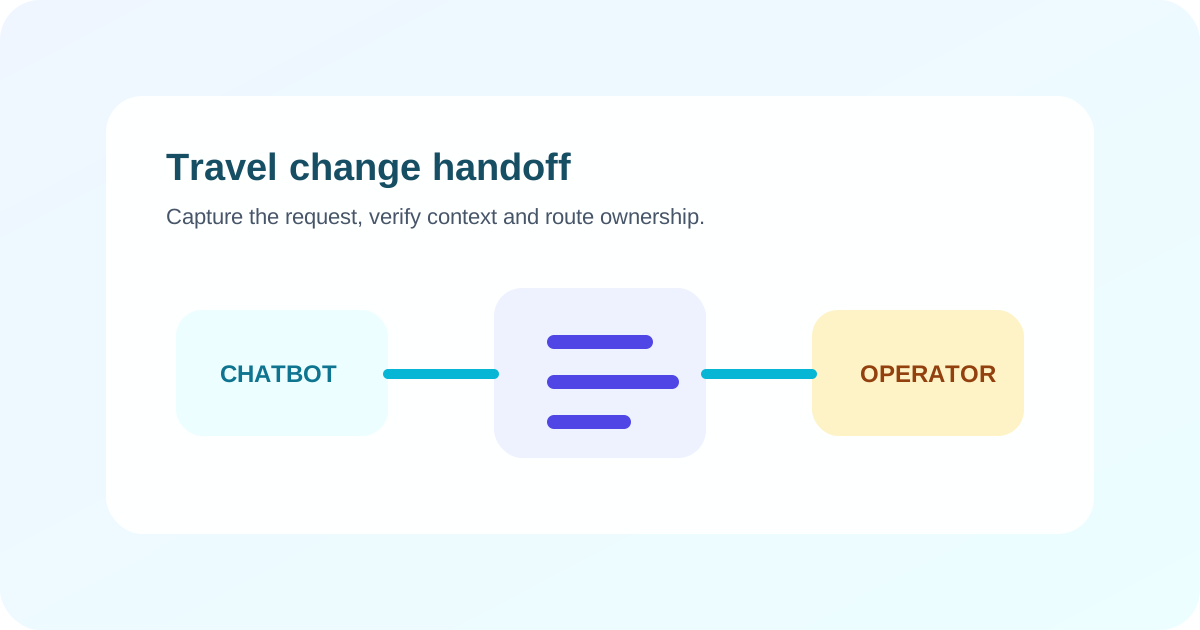
Route a travel booking change by identifying the booking through an approved process, capturing the exact requested change, checking only rules the system is authorized to apply and sending the operator a structured context packet. Keep the customer informed whether the request is received, under review or confirmed.
Key takeaways
- Record the requested change separately from the existing booking state.
- Verify identity and booking access through the operator's approved process.
- Do not promise a change until the supplier or reservation system confirms it.
- Send the operator a compact packet with verified facts, uncertainty and urgency.
- Give the customer a status and next update path after handoff.
Define what a booking change is
A booking change is a request to alter an existing reservation, such as a date, traveller, room, route, service or contact detail. It is not complete when the chatbot understands the message. Completion requires the source system or authorized operator to confirm the revised booking.
Keep three records distinct: the current confirmed booking, the customer’s requested change and the resulting confirmed booking. Mixing them can make a request appear completed before any supplier accepts it.
If you are still defining the full travel workflow, start with the travel chatbot guide. When channel choice matters, compare it with WhatsApp and web chat support and the travel industry page.
Use a clear change-state model
Give every request one current state:
| State | Meaning | Customer message |
|---|---|---|
| Received | Request captured but not yet checked | “We received your request.” |
| Verification needed | Identity or booking access is incomplete | Explain the secure next step |
| Eligibility check | Current rules or inventory are being checked | State that no change is confirmed |
| Operator review | A person owns the exception or decision | Confirm queue acceptance and update path |
| Submitted | Change sent to the reservation or supplier system | State that confirmation is pending if applicable |
| Confirmed | Source system records the revised booking | Provide the approved confirmation details |
| Declined | Authorized source rejected the requested change | Explain the available next step |
| Unknown | An action may have run, but its result is not confirmed | Check the record before retrying |
The state should come from workflow evidence, not from the model’s reading of the conversation.
Collect one exact request
Ask only for information needed to route or assess the change:
- booking reference through the approved process;
- affected service, segment or room;
- affected traveller where relevant;
- current date or service;
- requested date, service or detail;
- acceptable alternatives;
- departure time or other urgency marker;
- accessibility or assistance needs requiring review; and
- preferred safe contact channel.
Read the request back in a compact summary. For example: “You want to move the 14 October city tour for two travellers to 15 October; 16 October also works.” This lets the customer correct a date before an operator acts.
Do not request payment credentials or unnecessary identity documents in ordinary chat. Move those steps to the approved secure channel.
Verify access before exposing booking details
A booking reference alone may not be sufficient proof that a person can view or change a reservation. Follow the operator’s approved identity and access process.
After verification, retrieve only the information needed for the task. A staff handoff should record verification status without copying sensitive verification data into a broad queue.
If verification fails, provide the official recovery path. Do not reveal additional booking information or confirm whether a guessed reference belongs to someone else.
Check rules only within approved authority
Supplier terms, inventory, fees and deadlines can vary by booking. The chatbot should apply a rule automatically only when the operator has approved that rule for the exact source and request type.
If a current connected system returns eligibility and cost, present them with the applicable currency and timing. If the result requires interpretation, an exception or a discretionary waiver, route it to the operator.
The chatbot should never invent a likely fee from a similar booking. It should also avoid describing general cancellation or change information as a decision on the customer’s case.
Build the operator handoff packet
The packet should let an operator decide without rereading the full transcript. Include:
- customer’s stated goal;
- verified booking reference or internal case reference;
- verification state;
- current confirmed booking facts relevant to the change;
- requested change and acceptable alternatives;
- departure or service time and urgency reason;
- rules or inventory checked, with source and timestamp;
- actions attempted and confirmed results;
- uncertain or conflicting information; and
- the precise next decision required.
Do not present an extracted preference as a verified booking fact. Label information by source.
The handoff implementation guide covers queue ownership and acceptance in more detail.
Confirm that the destination owns the case
Sending a message to a shared inbox does not prove that an operator received it. The workflow should capture queue acceptance, case creation or another defined ownership signal.
Tell the customer the real status. If a case has been created, provide its approved reference. If no operator is available, explain the after-hours route or next expected update. Do not promise a response time unless the team has approved and can support it.
If the transfer fails, preserve the request and trigger the fallback. The customer should not need to start again because an internal destination was unavailable.
A worked example: moving a hotel booking
Consider a hypothetical traveller asking to move a two-night hotel booking from 8–10 November to 9–11 November.
The travel chatbot identifies the change intent and moves the customer into the approved booking-access flow. It retrieves the property, current dates and room category, then records the requested dates. It does not change the current booking record yet.
The connected supplier system cannot confirm the same room category for the second night. The chatbot records that result with its timestamp and asks whether an alternative category may be considered. The customer says yes but wants to know the price difference first.
Because the supplier response requires operator review, the workflow creates a case. The packet contains the verified reference, current booking, requested dates, acceptable room alternative, supplier result and price question. The customer is told the request is under review. Only after the operator or supplier system confirms the revised reservation does the conversation report the change as complete.
Handle urgency without skipping controls
Define urgency rules using operational facts such as time until departure, a missed service or a customer currently at the location. Priority should change the queue and notification path, not erase identity or action controls.
For safety, medical or legal emergencies, direct the customer to the operator’s approved emergency guidance or appropriate local services. Do not ask a general chatbot to assess the situation.
Test the difficult cases
Before launch, test:
- A multi-traveller booking where only one traveller changes.
- A multi-segment itinerary where only one segment is named.
- Ambiguous dates and time zones.
- A request submitted shortly before departure.
- A supplier rule that conflicts with the operator’s general page.
- A timeout after the change action may have been sent.
- A closed queue and a failed fallback destination.
- A customer who asks for a person immediately.
Check the state, source data, system write, case packet and customer status after every test.
Measure handoff quality
Useful measures include correctly classified changes, verification completion, operator acceptance, unknown-state recoveries, duplicate actions prevented, customer corrections to the summary, repeat contact and staff edits to the handoff packet.
Review false confirmations separately. A single incorrect “your booking is changed” message can create more harm than several appropriate handoffs.
Put the workflow into practice
Start with one change type and one connected booking source. Define every state, permitted action, evidence signal and fallback before expanding.
ZINQ supports configured conversations, workflow steps, system integrations and human handoff. Review the travel chatbot pillar in this topic, workflow automation and ZINQ for travel when mapping the first route.
Frequently asked questions
What information should a travel chatbot collect for a booking change?
Collect the booking reference through the approved process, the affected traveller or segment, the requested change, preferred alternatives, timing constraints and a safe contact route.
Should a chatbot quote a change fee?
Only when an authorized current source returns the amount for that booking and request. Otherwise state that cost and eligibility need review.
What should happen if the change system times out?
Treat the result as unknown, check the reservation record and avoid an automatic duplicate submission. Route the case when the status cannot be confirmed.
How does the customer know a human owns the request?
Confirm that the destination queue accepted the case, provide the actual status or reference available, and explain the next expected update channel.
Conclusion
Reliable change handling depends on state, evidence and ownership. Capture one exact request, preserve confirmed booking facts, and make the operator's next decision obvious. A pending handoff should never be described as a completed change.
READY TO SEE ZINQ IN ACTION?
From first enquiry to conversion, follow-up and support, ZINQ helps automate the next step while keeping your team in control.
Book a DemoRelated articles
-
How to implement customer service chatbot handoff
Implement customer service chatbot handoff by defining transfer triggers, conversation ownership, destination queues and the context a person needs to continue. Test explicit human requests, authority limits, missing information and system failures, then verify that the receiving team accepted the case.
The ZINQ team · September 21, 2026 · AI Chatbots -
How to automate task creation from customer conversations
An AI-created task needs a clear request, an owner, a due time where relevant and a link to its source conversation. The workflow should confirm that the task was saved and avoid creating duplicates when the same request repeats.
Pavan · June 30, 2026 · Workflows & Automation -
Managing WhatsApp and web chat in one support operation
WhatsApp and web chat can share a support operation while retaining different identity, messaging and follow-up rules. Define queue ownership and supported contact association rather than assuming that every conversation automatically becomes one customer history.
Pavan · June 30, 2026 · Omnichannel