Automotive chatbot guide for dealerships and service teams
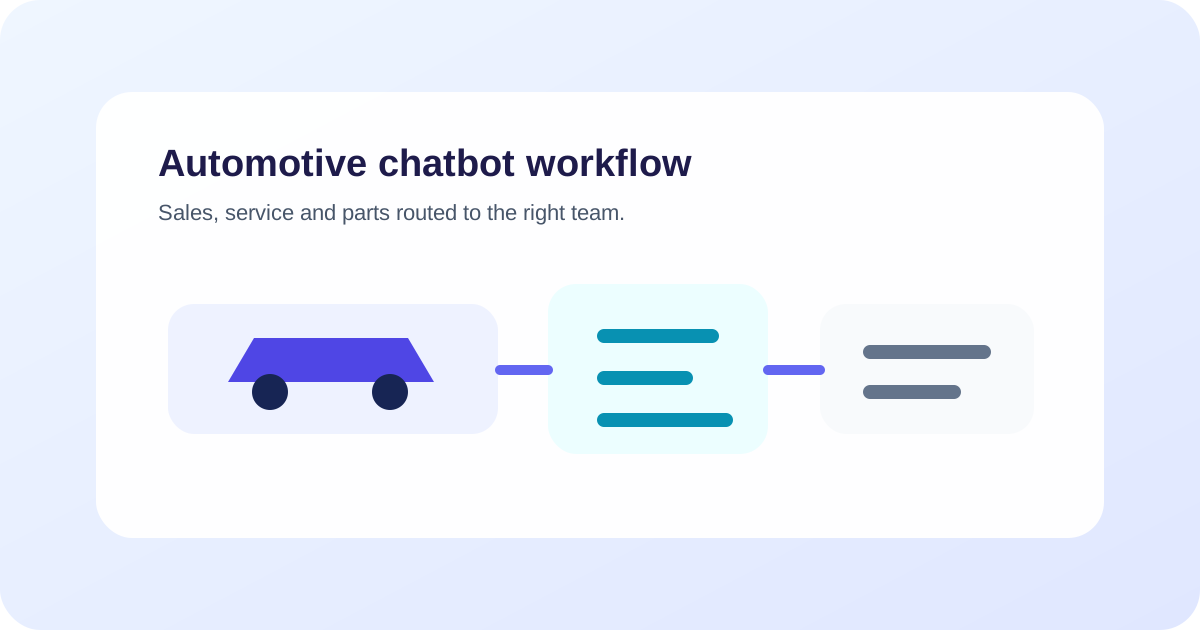
An automotive chatbot should route each conversation to sales, service or parts, use current dealership information, collect only the details needed for the next step and confirm appointments or requests from the system of record. Finance, trade-in and technical exceptions need clearly defined human ownership.
Key takeaways
- Route sales, service and parts enquiries before collecting detailed information.
- Use current inventory and scheduling systems instead of treating static content as availability.
- Describe a request as confirmed only when the destination system returns proof.
- Keep finance guidance, trade-in valuation and technical judgment within approved boundaries.
- Send staff the customer's goal, vehicle context, completed steps and next required action.
What is an automotive chatbot?
An automotive chatbot is a conversational interface that helps a dealership or automotive service business handle customer questions and start approved workflows. It can support sales enquiries, test-drive requests, service booking, parts questions and follow-up across channels such as web chat and WhatsApp.
Its usefulness depends on routing. A customer asking whether a model is in stock, another reporting a dashboard warning and a third looking for a replacement part need different teams, data and boundaries.
For the general buyer lens, compare this with the AI chatbot buyer guide and the CRM and calendar integration guide. For the commercial page, use automotive.
Route sales, service and parts first
Begin with a small routing question when intent is unclear. Do not force every customer through a long lead form.
| Route | Common request | System or owner |
|---|---|---|
| Vehicle sales | Availability, variant, test drive or purchase enquiry | Inventory/CRM and sales team |
| Existing order | Delivery or order-status question | Approved order system and assigned team |
| Service | Appointment, maintenance or repair enquiry | Service scheduler and advisor |
| Parts | Compatibility, stock or order enquiry | Parts catalogue/system and parts team |
| Finance or insurance | Published process or specialist question | Approved public source and qualified team |
| Urgent technical concern | Warning, breakdown or possible safety issue | Approved urgent guidance and trained staff |
Once the route is known, collect the minimum information needed for that team’s next step.
Use current inventory for sales conversations
An automotive chatbot can answer approved model and dealership questions, but current vehicle status should come from an authorized inventory source. Define terms such as in stock, allocated, demonstrator, reserved and available for delivery.
For a vehicle enquiry, useful fields can include model or body type, new or used preference, location, timing, budget range when the customer chooses to share it and preferred contact route. Ask for a specific variant only if it changes the next step.
Do not state that a vehicle is held because a lead was created. If the workflow supports reservation, require the destination system’s confirmation before reporting success.
Turn test-drive interest into a confirmed next step
A test-drive workflow can collect the preferred dealership, model, date window, contact details and any approved eligibility information. Availability should come from the scheduling system or a staff review.
Use clear states: requested, time offered, customer selected, confirmed, reschedule needed or cancelled. A calendar suggestion is not a confirmed appointment until the source system accepts it.
The ZINQ integrations layer can connect conversations to business systems, while the dealership defines permissions and confirmation evidence.
Keep service booking separate from diagnosis
For service, collect vehicle details that the workshop needs, such as registration or VIN only through the approved process, model, mileage range, requested service and preferred location or date. Let the customer describe the concern in their own words.
The chatbot may explain approved maintenance or booking information. It should not diagnose a fault or tell a customer that a vehicle is safe to drive unless the dealership has a qualified, approved process for that conclusion.
If the customer describes a possible urgent or safety-related issue, use the dealership’s approved escalation guidance and transfer to trained assistance. Preserve the customer’s wording rather than replacing it with an inferred diagnosis.
Structure parts enquiries for the parts team
Parts compatibility can depend on exact vehicle configuration. Collect the identifiers and part description approved by the dealership, then check the authorized catalogue or route to the parts team.
Distinguish a stock enquiry from an order. A chatbot should not claim that a part is compatible, available or reserved without the defined system evidence. When information is uncertain, create a review request with the vehicle and part context already attached.
Set boundaries for finance and trade-ins
A chatbot may explain the dealership’s published finance enquiry process or collect contact details for a qualified specialist. Personalized finance guidance, eligibility decisions and market-specific disclosures need the dealership’s approved review and systems.
For trade-ins, the workflow can collect vehicle, age, mileage, condition description and inspection preference. Treat any connected estimate according to its stated method and limitations. Do not present an intake response as a final valuation or guaranteed offer.
A worked example: test drive followed by trade-in interest
Consider a hypothetical visitor who asks on the dealership website whether a compact SUV is available for a test drive this weekend.
The chatbot asks for the preferred branch, model and time window. It checks the approved demo-vehicle schedule and offers two available times. The customer selects Saturday at 11:00, and the scheduling system returns a confirmed appointment reference.
The customer then asks whether the dealership will accept their current car in part exchange. The chatbot explains the published appraisal process and collects only the approved initial details. It does not estimate a final value. It adds the trade-in interest to the CRM record and tells the sales advisor which information still needs review.
If the schedule call had timed out, the chatbot would keep the appointment state as unknown, check the record and route the request rather than booking a duplicate.
Design handoff for the receiving team
The handoff packet should contain:
- customer goal and preferred next step;
- selected branch and department;
- vehicle or booking context supplied by the customer;
- confirmed inventory or scheduling results;
- questions the chatbot could not answer;
- urgency or timing constraint;
- consented contact route; and
- the exact decision or action required from staff.
Confirm that the destination queue accepted the case. The customer-service handoff guide provides a reusable state model.
Test the journeys that cross departments
Include tests for:
- A sales enquiry that becomes a service question.
- An inventory item that changes status mid-conversation.
- A test-drive request when the scheduler is unavailable.
- A parts question with incomplete vehicle details.
- A service customer asking for a technical diagnosis.
- A trade-in enquiry asking for a guaranteed valuation.
- A finance question that becomes personalized.
- A transfer to a closed branch or unavailable team.
Inspect the response, retrieved record, created task, confirmation evidence and queue acceptance. Test on each supported channel because identity and message formats can differ.
Measure outcomes by route
Track qualified sales enquiries, confirmed test drives, service requests, confirmed service appointments, parts requests routed with sufficient context, accepted handoffs, unknown-state recoveries and staff corrections.
Review why customers repeat information after transfer. A high lead count is not useful if dealership teams cannot act on the record or if customers believe an unconfirmed appointment is booked.
Where ZINQ fits
ZINQ supports conversations across supported channels, configured knowledge, workflow automation, integrations and human handoff. Start with a route whose source data and receiving team are ready, such as test-drive requests for one branch.
Review ZINQ for automotive, the guide to qualifying website visitors and the CRM and calendar integration guide before mapping expansion to service or parts.
Frequently asked questions
What can an automotive chatbot do for a dealership?
It can answer approved questions, qualify vehicle enquiries, collect test-drive preferences, support service appointment intake, route parts requests and transfer exceptions to the correct team.
Can a chatbot confirm that a vehicle is available?
Only when it checks a current authorized inventory source and the dealership defines what available means. A marketing page or old feed should not be treated as a reservation.
Should a dealership chatbot estimate trade-in value?
It may collect approved vehicle details or show a clearly defined connected estimate, but it should not present an unverified figure as a final valuation.
How should service emergencies be handled?
Follow the dealership's approved urgent guidance and route the customer to qualified assistance. A general chatbot should not diagnose a vehicle or decide whether it is safe to drive.
Conclusion
Begin with one route that has a reliable owner and system record. Keep inventory, appointment and request states explicit, and let trained staff own finance, valuation, diagnosis and exceptions. Then expand using evidence from real journeys.
READY TO SEE ZINQ IN ACTION?
From first enquiry to conversion, follow-up and support, ZINQ helps automate the next step while keeping your team in control.
Book a DemoRelated articles
-
How to qualify website enquiries with an AI agent
An AI qualification flow should collect the minimum information needed to route an enquiry and offer a relevant next step. Use explicit business criteria, keep unknown answers visible and let visitors ask questions before demanding a full profile.
Pavan · June 30, 2026 · Sales & Conversion -
Connecting an AI agent to your CRM and calendar
An AI-to-CRM or calendar integration needs supported operations, limited permissions, clear field mapping and a way to verify writes. Test duplicate requests and partial failures before letting a conversation change live records.
Pavan · June 30, 2026 · Integrations -
How to implement customer service chatbot handoff
Implement customer service chatbot handoff by defining transfer triggers, conversation ownership, destination queues and the context a person needs to continue. Test explicit human requests, authority limits, missing information and system failures, then verify that the receiving team accepted the case.
The ZINQ team · September 21, 2026 · AI Chatbots