How AI Product Recommendations Help Ecommerce Shoppers Choose
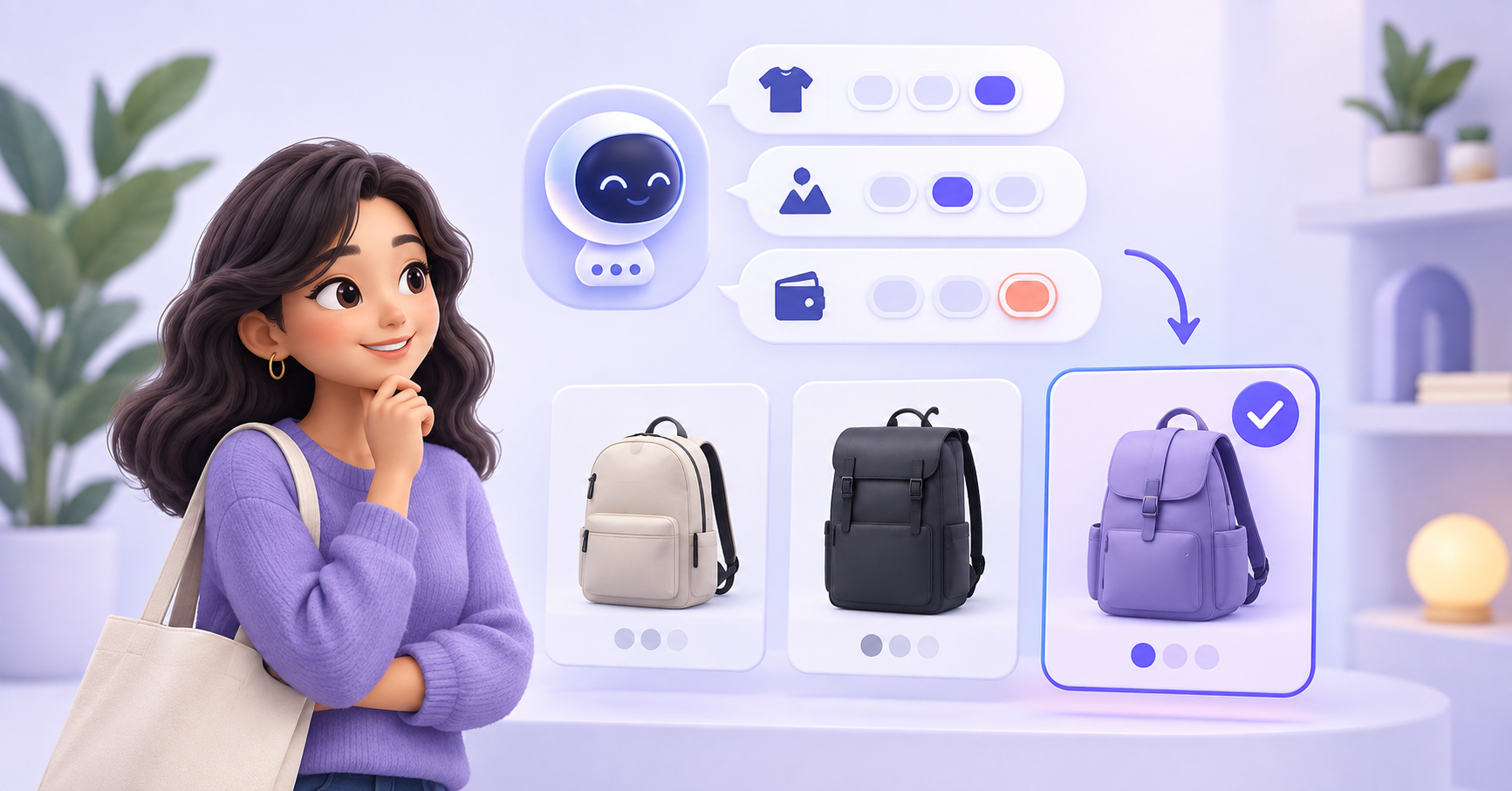
AI product recommendations help ecommerce shoppers narrow a large catalogue into a few relevant options. A conversational product discovery workflow asks what the shopper needs, retrieves suitable products from approved catalogue information, explains each recommendation, and helps the shopper continue toward purchase.
Key takeaways
- A product recommendation chatbot should understand the shopper’s intended use, preferences, budget, and constraints before suggesting products.
- Recommendations should use current and approved catalogue information, including product attributes, availability, variants, and restrictions.
- Explaining why each product matches the request helps shoppers compare options and make an informed choice.
- The workflow should admit when no product meets the shopper’s requirements instead of forcing an unsuitable recommendation.
- Product discovery should connect with product questions, cart recovery, checkout support, and human handoff.
What is conversational product discovery?
Conversational product discovery helps a shopper find suitable products by asking questions about what they need. Instead of requiring the shopper to work through category pages and filters alone, an ecommerce chatbot can turn the search into a guided conversation.
A shopper might say:
“I need a waterproof backpack for a short work commute, with space for a 15-inch laptop.”
That request contains several useful requirements. The chatbot can use approved product information to find backpacks that match the intended use, weather requirement, and laptop size.
The goal is to help the shopper reach a manageable set of relevant options. The chatbot should not invent product features or recommend an item simply because the store wants to promote it.
How is a product recommendation chatbot different from a recommendation widget?
Both approaches can help shoppers discover products, but they use different information.
| Approach | How it selects products | Best suited for |
|---|---|---|
| Related-product widget | Product relationships or predefined merchandising rules | Showing accessories and similar products |
| Behaviour-based recommendations | Browsing, purchase, or interaction history | Personalising collections and repeat visits |
| Product finder | Answers selected through a fixed questionnaire | Narrowing products with predictable criteria |
| Product recommendation chatbot | Shopper questions, stated needs, product attributes, and conversation context | Guiding shoppers who need help choosing or comparing |
A conversational recommendation is useful when the shopper’s request is difficult to express through filters. Someone shopping for a gift, comparing technical products, or balancing several preferences may need more guidance than a static list provides.
1. Identify the shopper’s actual requirement
Start by understanding what the shopper wants to achieve.
Useful questions may cover:
- The intended use.
- Required features.
- Preferred size, colour, or material.
- Compatibility with another product.
- Budget range.
- Delivery requirements.
- Features the shopper wants to avoid.
Do not ask every possible question. Ask only what changes the recommendation.
If all suitable products share the same delivery schedule, asking about delivery at the beginning adds friction. If compatibility determines whether a product can be used at all, ask about it early.
2. Retrieve only eligible products
The recommendation should come from approved catalogue information. This may include:
- Product names and descriptions.
- Categories and product attributes.
- Sizes, colours, and variants.
- Compatibility information.
- Usage restrictions.
- Approved product comparisons.
- Availability data when the workflow has authorised access.
- Links to the correct product pages.
A product recommendation chatbot should distinguish between a confirmed attribute and an assumption. If a product page does not say that an item is waterproof, the chatbot should not infer that it is.
3. Explain why each product matches
A recommendation becomes more useful when the shopper understands why it was selected.
Instead of saying:
“You should buy Product A.”
The chatbot can say:
“Product A matches your 15-inch laptop requirement and has the waterproof material listed in its product details. Product B is lighter, but its laptop compartment supports only smaller devices.”
This explanation gives the shopper a reason to trust, question, or reject the recommendation.
4. Help the shopper compare options
Once the chatbot has narrowed the catalogue, it should help the shopper compare the remaining choices.
| Comparison point | Product A | Product B |
|---|---|---|
| Best suited for | Daily commuting | Short trips |
| Laptop compatibility | Up to 15 inches | Up to 13 inches |
| Material | Waterproof material listed | Water-resistant material listed |
| Main trade-off | More structured | Lighter to carry |
Only compare attributes that appear in approved product information. If an important detail is missing, say that it needs confirmation.
5. Give the shopper a clear next step
After presenting the options, the chatbot can help the shopper:
- Open the relevant product page.
- Check an available variant.
- Ask another product question.
- Compare the final options.
- Add the selected item to the next configured step.
- Continue to checkout.
- Speak with a person.
The next step should match the customer’s intent. A shopper who is still comparing products does not need an aggressive checkout message.
What data does a recommendation chatbot need?
The quality of the conversation depends on the quality of the product information behind it.
Review whether your catalogue contains:
- Complete product descriptions.
- Consistent product attributes.
- Clear variant information.
- Compatibility rules.
- Accurate policy information.
- Useful product links.
- Maintained availability information where applicable.
- Approved alternatives for unavailable products.
Missing or inconsistent catalogue data creates poor recommendations. If one product uses “navy,” another uses “dark blue,” and a third has no colour attribute, the chatbot may struggle to compare them reliably.
What does a product discovery conversation look like?
Consider a hypothetical backpack store.
The shopper says:
“I need a backpack for commuting. It should hold a 15-inch laptop and handle rain.”
The AI shopping assistant asks:
“Do you have a preferred size or budget?”
The shopper provides a budget. The assistant searches the approved product information and returns two suitable options.
It explains:
“The first option has a listed waterproof outer material and a compartment for laptops up to 15 inches. The second also supports a 15-inch laptop and is lighter, but its product information describes the material as water-resistant.”
The shopper can now compare a meaningful trade-off. If they ask whether either bag will protect a laptop during prolonged heavy rain and the catalogue does not answer that question, the chatbot should request confirmation from the team.
How should product recommendations be measured?
Track the full discovery journey instead of counting only chatbot conversations.
Useful events include:
- Product-discovery conversation started.
- Shopper requirement identified.
- Recommendation displayed.
- Product page opened.
- Comparison requested.
- Product added to cart.
- Checkout started.
- Human handoff created.
- No suitable product found.
- Recommendation rejected or corrected.
A purchase after a recommendation does not automatically prove that the chatbot caused the sale. Use careful attribution and controlled testing when measuring commercial impact.
What mistakes should you avoid?
Recommending products before understanding the request
A premature recommendation may ignore the shopper’s main requirement. Ask the questions that determine eligibility first.
Suggesting too many products
A long list recreates the browsing problem the chatbot was meant to solve. Provide a focused shortlist with clear differences.
Inventing product details
The chatbot should use approved catalogue information. Missing specifications need confirmation.
Hiding important trade-offs
If one option is lighter but another offers the required compatibility, explain the difference.
Ignoring unavailable products
Do not guide a shopper towards a product that cannot be purchased when reliable availability information shows it is unavailable.
Continuing after the shopper requests help
Transfer the conversation when the shopper asks for a person or needs advice beyond the approved product information.
Where does ZINQ fit?
ZINQ can help ecommerce teams answer supported product questions and guide product discovery across WhatsApp, Instagram, web chat, Telegram, and email.
The AI agent can use approved product information, ask relevant follow-up questions, and direct the shopper towards suitable options. When information is missing or the shopper needs specialist advice, it can route the conversation to your team with the requirements already captured.
Explore how an AI agent for ecommerce can support product discovery, customer questions, cart recovery, and post-purchase support.
Frequently asked questions
What is an AI product recommendation chatbot ?
An AI product recommendation chatbot is a conversational shopping assistant that asks about a shopper’s needs and suggests relevant products using approved catalogue information. It can also explain product differences and direct the shopper to the appropriate product page.
What information should the chatbot ask for?
It should ask only for information that changes the recommendation. Depending on the product, this may include intended use, budget, size, compatibility, preferred features, color, material, or delivery requirements.
Can an ecommerce chatbot recommend products to new customers?
Yes. A new customer may not have purchase history, but the chatbot can ask focused questions and use product attributes to identify suitable options. It should avoid pretending to know preferences the customer has not shared.
How many products should the chatbot recommend?
Give the shopper a manageable shortlist. Two or three clearly differentiated options are often easier to assess than a long product list. Explain why each option was selected.
What happens when no product matches?
The chatbot should explain which requirement could not be met and offer the closest suitable options only when that would help. It can also collect the request for a team member instead of inventing a match.
READY TO SEE ZINQ IN ACTION?
From first enquiry to conversion, follow-up and support, ZINQ helps automate the next step while keeping your team in control.
Book a DemoRelated articles
-
Reducing repetitive ecommerce support work with AI
Ecommerce teams can use AI to handle supported routine questions, but ticket reduction depends on the request mix, source quality and whether customers actually resolve their issues. There is no universal percentage a store should expect.
Pavan · June 22, 2026 · Industries → Ecommerce -
AI customer service: an operating guide for support teams
AI customer service uses AI to assist, answer, retrieve, act or route within a support workflow. Operate it by assigning owners, defining request-level authority, maintaining knowledge and integrations, testing changes, reviewing failures and measuring the customer's completed outcome.
Kushal Verma · June 8, 2026 · Customer Support & CX -
How AI agents use your business knowledge
An AI agent can use business documents by retrieving relevant information when answering a question. Uploading a document does not necessarily retrain the underlying model, and a conversation does not automatically become approved knowledge.
Pavan · August 21, 2026 · AI Agents & Conversational AI